Temporary / Per Diem Employees Using eTime
To use eTime time tracking tool:
1) From https://intranet.clarkson.edu/peoplesoft/ click on the Human Resources tile on the PeopleSoft page on the Intranet.


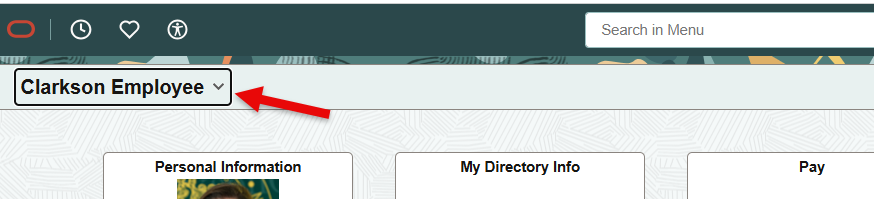
2) Select Clarkson Employee from the drop down on the left:
3) Select Timecard Tile
4) Select your Supervisor from the dropdown.
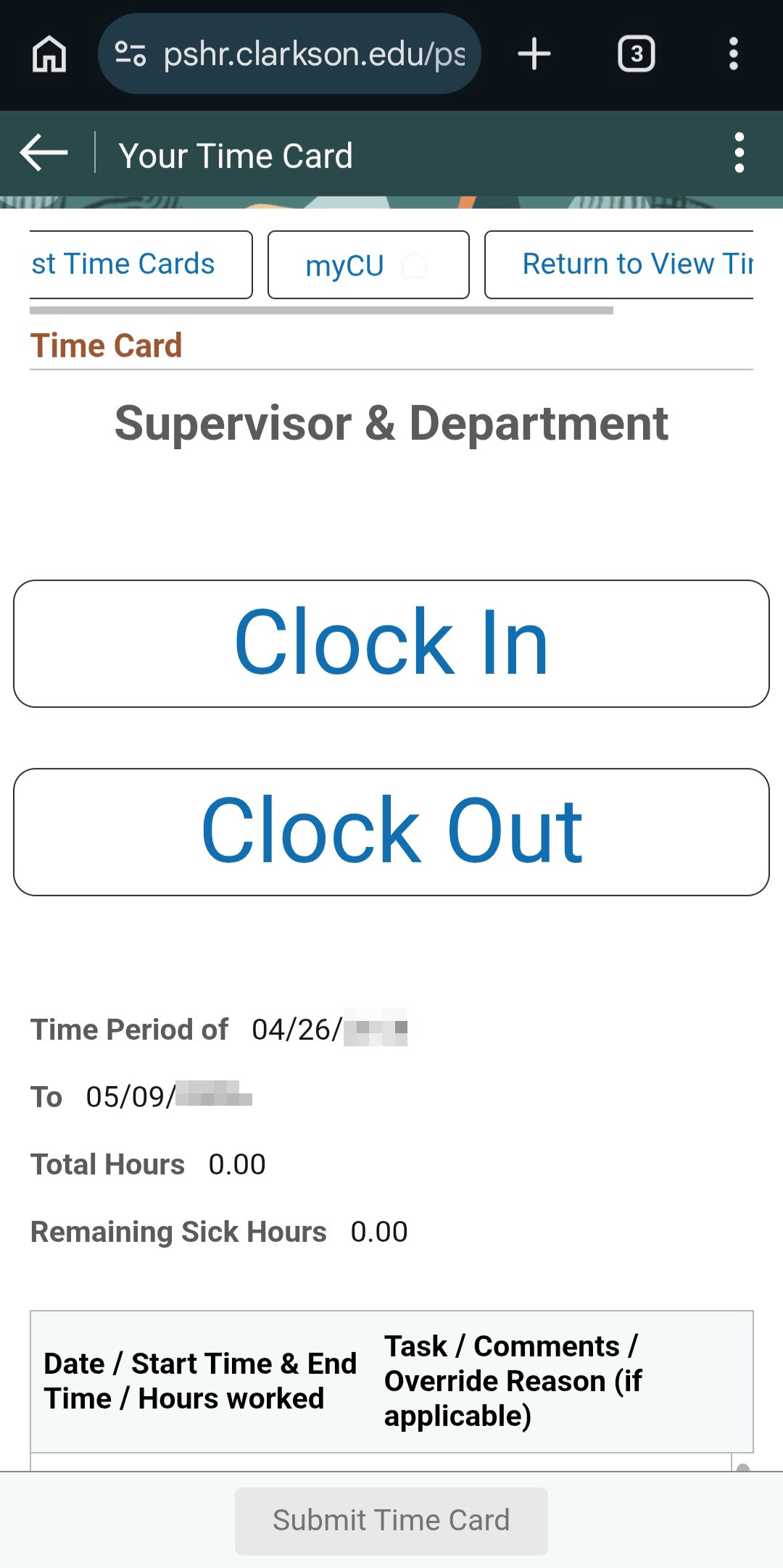
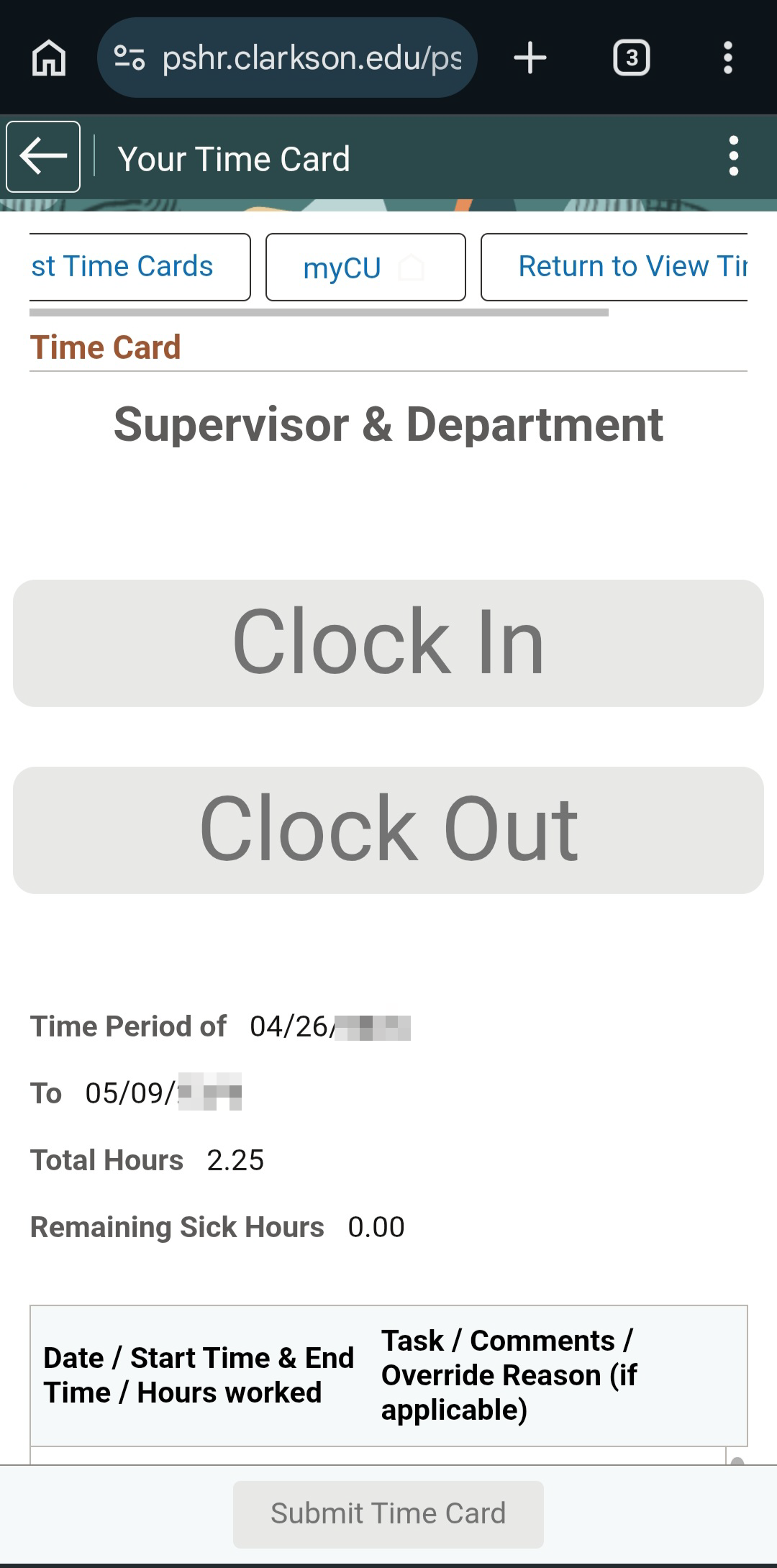
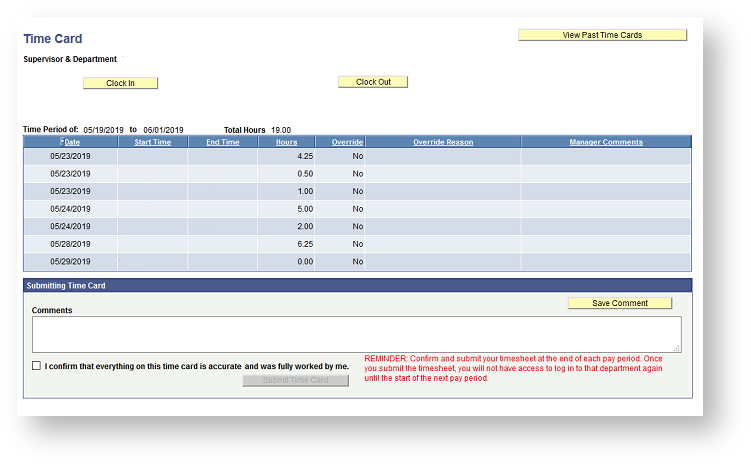
5) Use the Time Card to Clock In and Clock Out. Be Sure to Submit Your Card at the end of each pay period you work.
Clock in from a web browser on your mobile device: