
Technology Purchase Program for Faculty and Staff
Overview
The Office of Information Technology (OIT) provides a centralized purchasing program to help you acquire reliable, university-supported technology. This guide explains the program policies and lists available devices.
Who this Applies To.
This program applies to all faculty and staff purchasing technology with Clarkson University funds, including research grants.
Student Recommendations: If you are a student and are considering purchasing your own computer to bring to campus, you can find recommendations here.
What You Need to Know.
- All technology purchases—including computers, laptops, tablets, and monitors—must come from the approved list below.
- Items not on the list require prior approval from the VP of Information Technology.
- Purchases made without approval or outside university standards will not be funded.
Why Use This Program?
- Cost savings through state-contract pricing
- Guaranteed compatibility with university software and systems
- Standardized support for easier troubleshooting
- Right-sized equipment with appropriate warranties
- Environmental compliance (Energy Star, EPEAT certified)
How to Order:
Email your request to: helpdesk@clarkson.edu
Please include:
- Your desired specifications (OIT can help if you're unsure)
- Budget/account code for payment
- Approval from your Department Head
Terms:
- Timeline: Allow 3–4 weeks for delivery once your order is finalized.
- Exceptions: If OIT cannot source a suitable device in time, third-party purchases (e.g., Amazon) may be permitted. Note: Lower prices alone do not qualify as an exception.
- Price and availability is subject to change. Actual price will be provided at time of purchase.
⚠️ **Important:** Do not purchase technology without prior approval from the VP for Information Technology.
Desktop PCs |
|
|---|---|
|
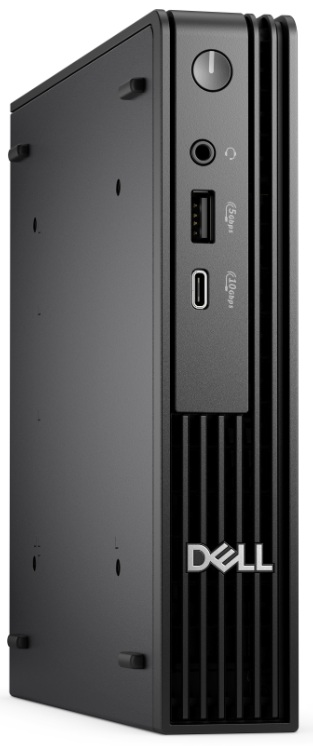
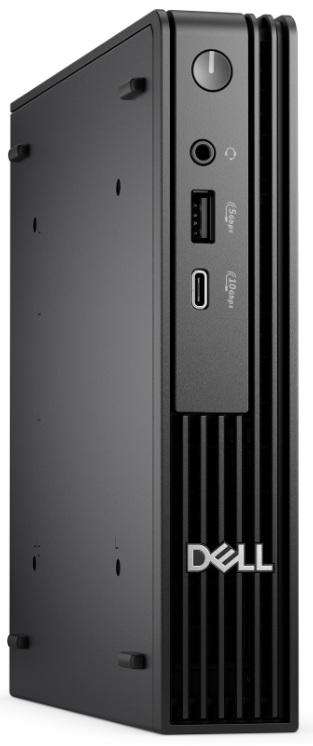
Standard Desktop (i5 Processor)*
|
Dell Pro Micro QC M1250
|
|
Upgraded Desktop (i7 Processor) $1165*
|
Dell Pro Micro QC M1250
|
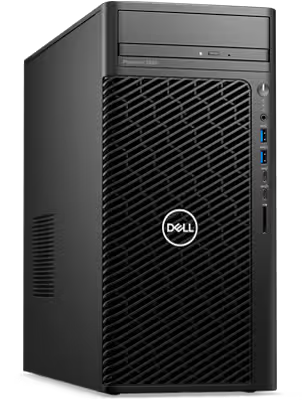
Midrange Workstation: Prices based on quote from manufacturer
|
Dell Pro Max Tower T2 (FCT2250)
*This model replaces the previous Dell 3660 |
|
High-end Workstation: Prices based on quote from manufacturer 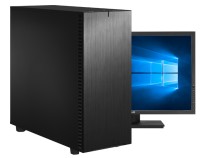 |
Thinkmate VSX R5 760S4
. |
Laptop/Tablets |
|
|
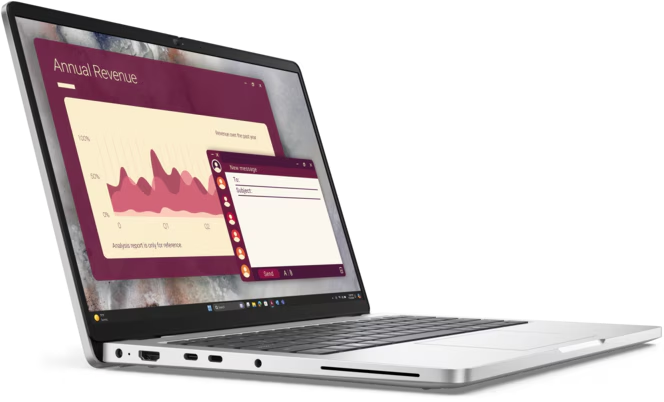
Standard Laptop $975*
|
Dell Pro 14 PC14250
|
Peripherals (Add-ons) |
|
|
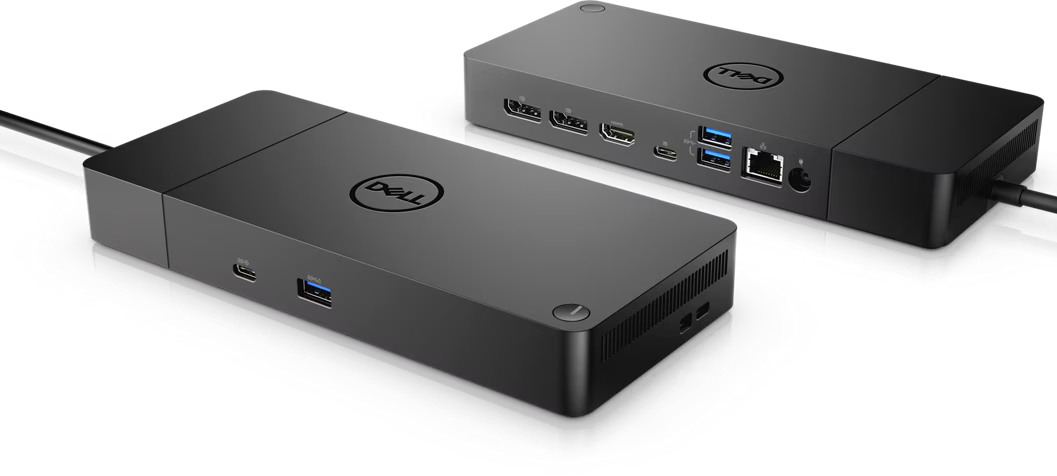
Dock: $150* |
Dell Dock – WD19S 130W
|
|
Monitor: $135*
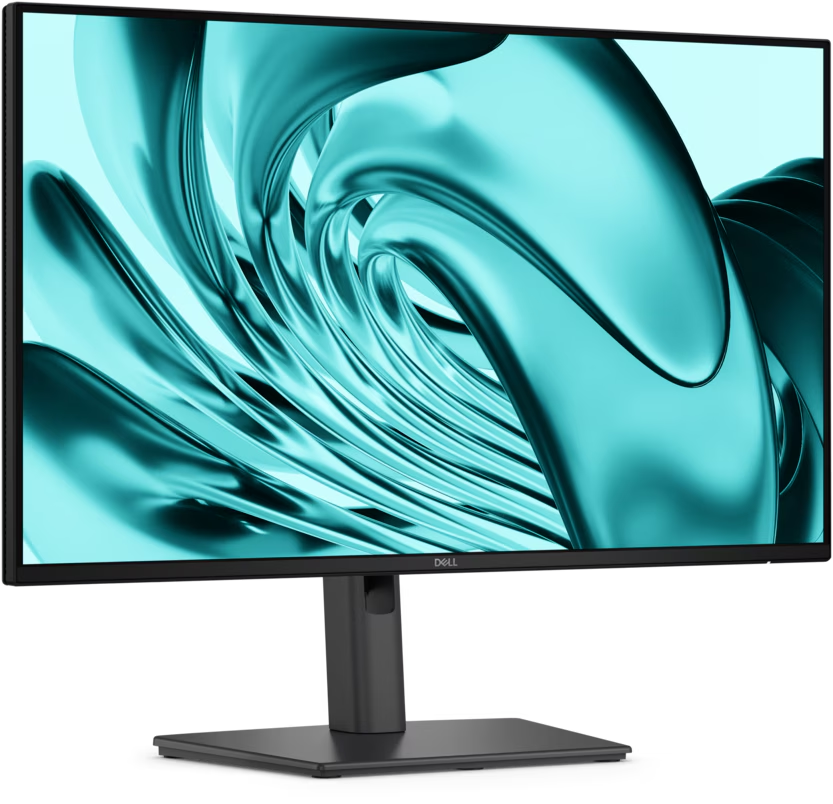 |
DELL PRO P 24 MONITOR - P2426H
|
|
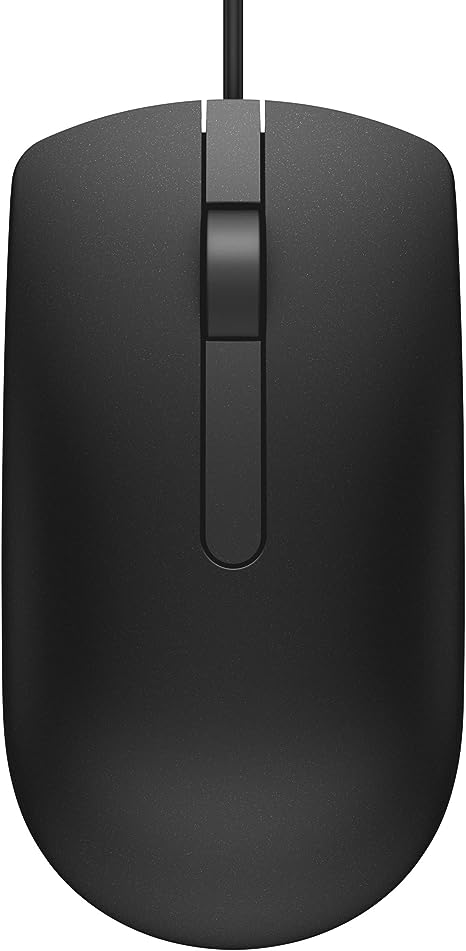
Wired Mouse: $6*
|
Dell 275-BBCB
|
Seek Further Assistance
For additional assistance, please contact, Clarkson OIT Help Desk;
Email: helpdesk@clarkson.edu
Call: 315-268-HELP (x4357)