Pulling Completion Reports from the Moderator Role for Information Security Training
As a moderator, you can view completion reports for your group for the Information Security Training 2026 course in Moodle. You will do so through the Gradebook.
From within the course:
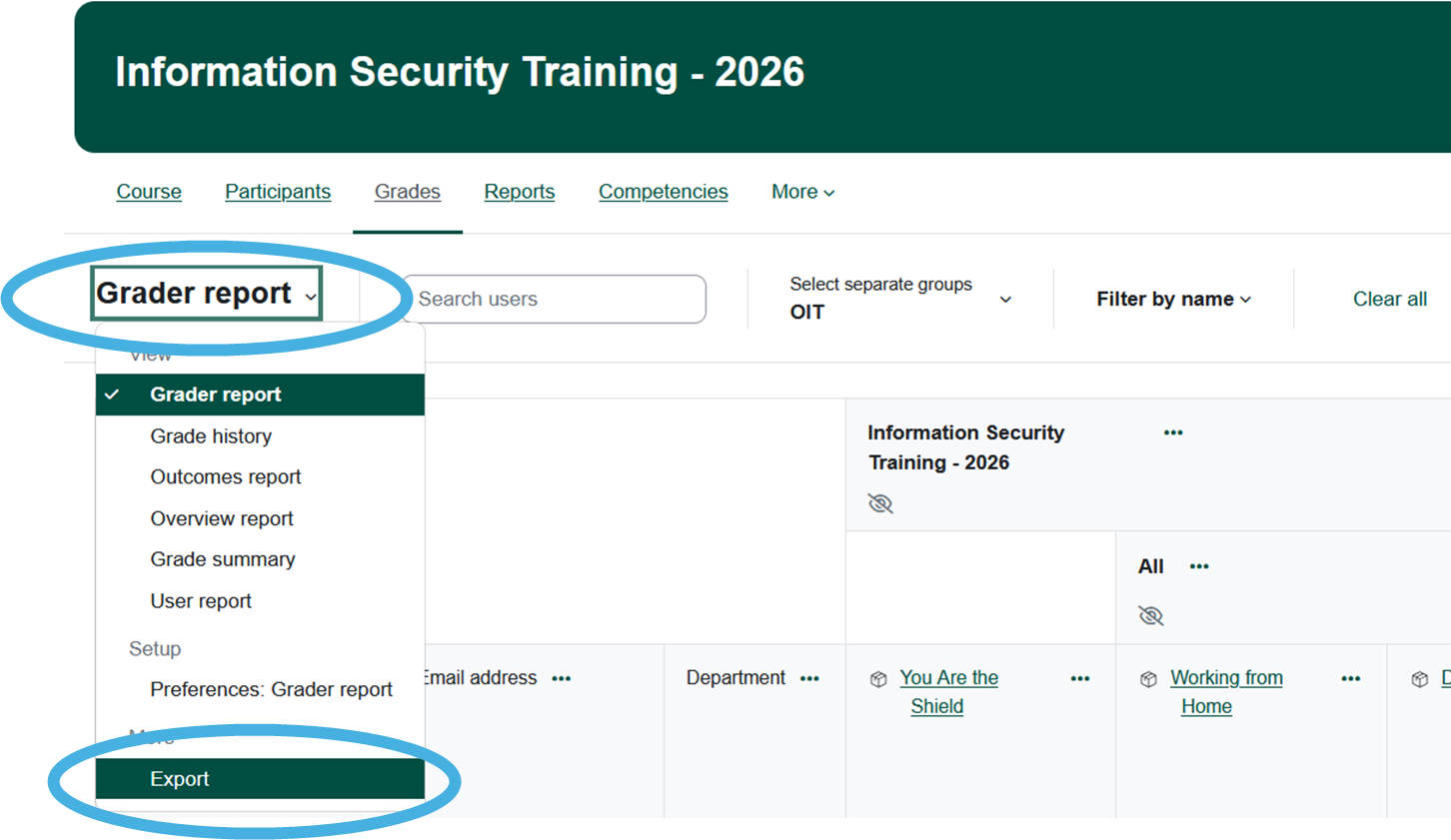
- Click Grades.
- From the Grader Report dropdown menu at the top of the Gradebook, select Export.

- Choose your group from the Separate group dropdown menu.

- Click Download.
- Match the columns that your group is required to complete with those who have/have not completed.