
Add Announcements Forum Back After Deletion
The News & Announcements (or Announcements) forum is a special type of forum that can be used by an instructor to email the whole class. In addition to receiving the announcement in an email, the announcements for the semester will also be archived in the forum, so they are available to be referred to by students or the instructor at any time.
If the Announcements Forum has been deleted from a course, it can be added back by following these steps:
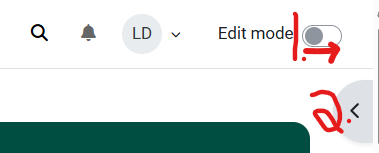
- On the course homepage, turn Editing on.
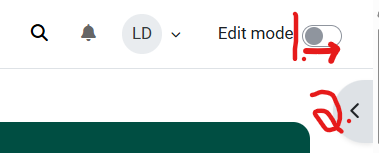
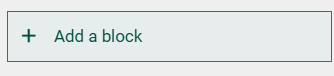
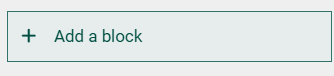
- Click on the arrow to open the Add a Block tool.
-
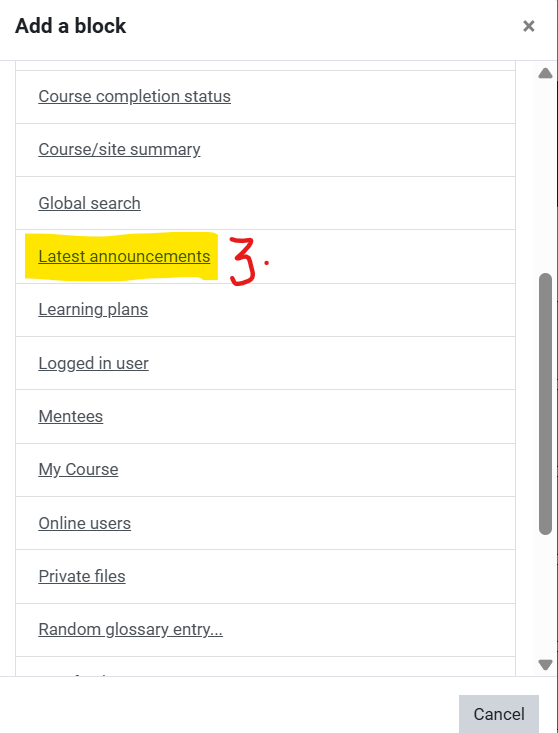
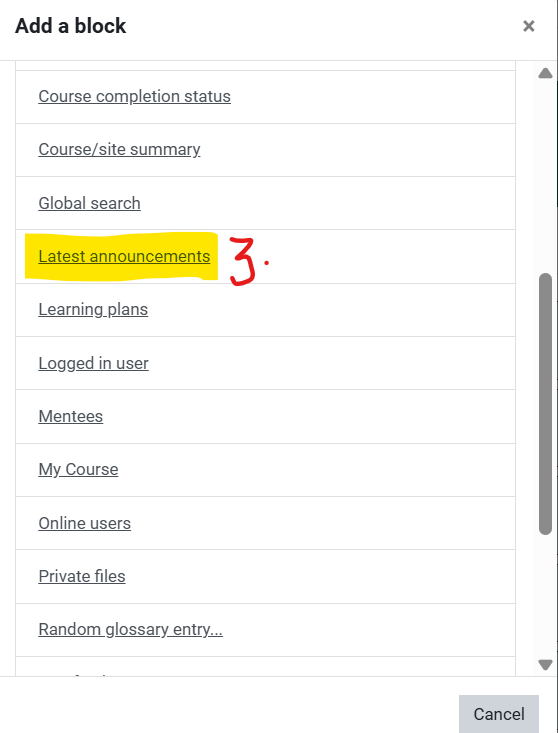
Scroll down in the Add a block tool and choose the Latest Announcements block:
-
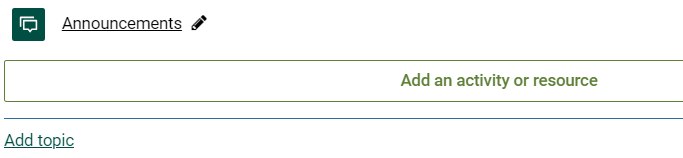
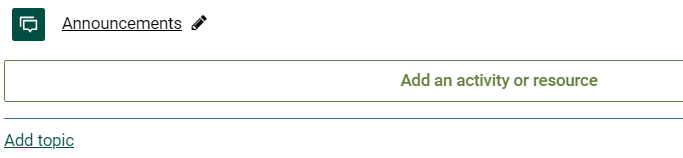
The Announcements forum will automatically reappear at the bottom of the top section of your course.
-
Drag and drop the forum to wherever it works best for you and your students.
-
Note also that you may rename the forum, Clarkson is currently using the title News & Announcements and add this description: "You are subscribed to this forum so my posts will automatically be sent to your email."
-
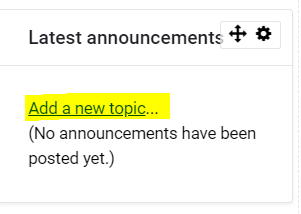
- You can add an announcement directly in the forum OR from the Latest Announcements block. Students are subscribed to this forum so posts will automatically be sent to their email.
Seek Further Assistance
For additional assistance please contact, Clarkson OIT Help Desk;
Online: Get Help
Email: helpdesk@clarkson.edu
Call: 315-268-HELP (x4357)