
Feature: Get List
Goal
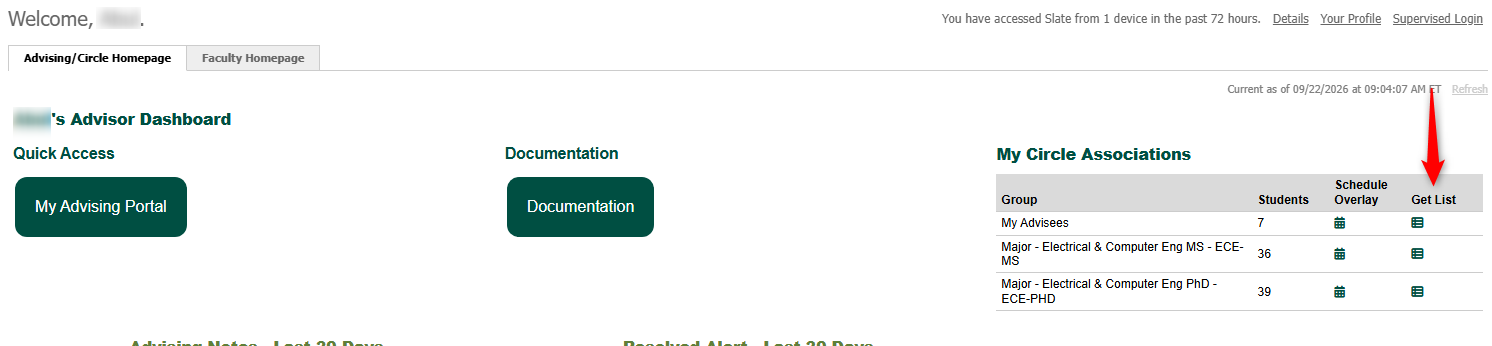
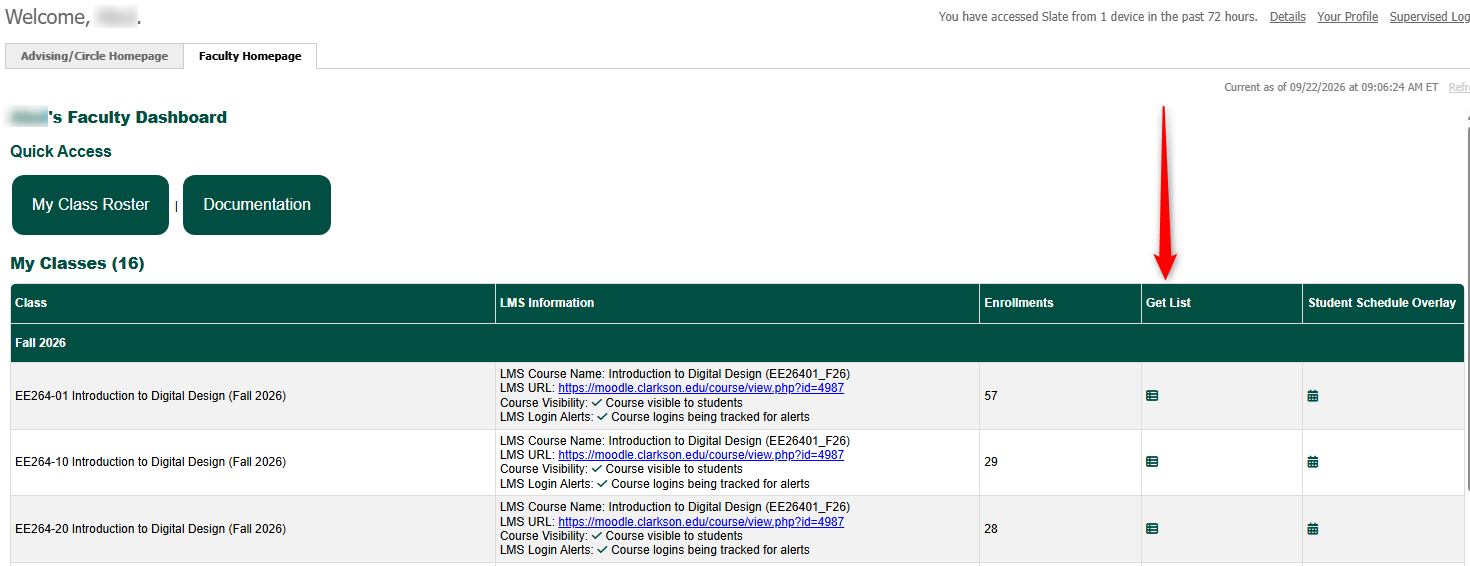
This feature is to help get lists of students in a quick and consistent way based on relationships you have to those students. Look for the  icon throughout the system.
Access
The icon can be found on a couple screens. All are listed below:
- Your Advising/Circle Homepage Dashboard
- Your Faculty Homepage
Visuals
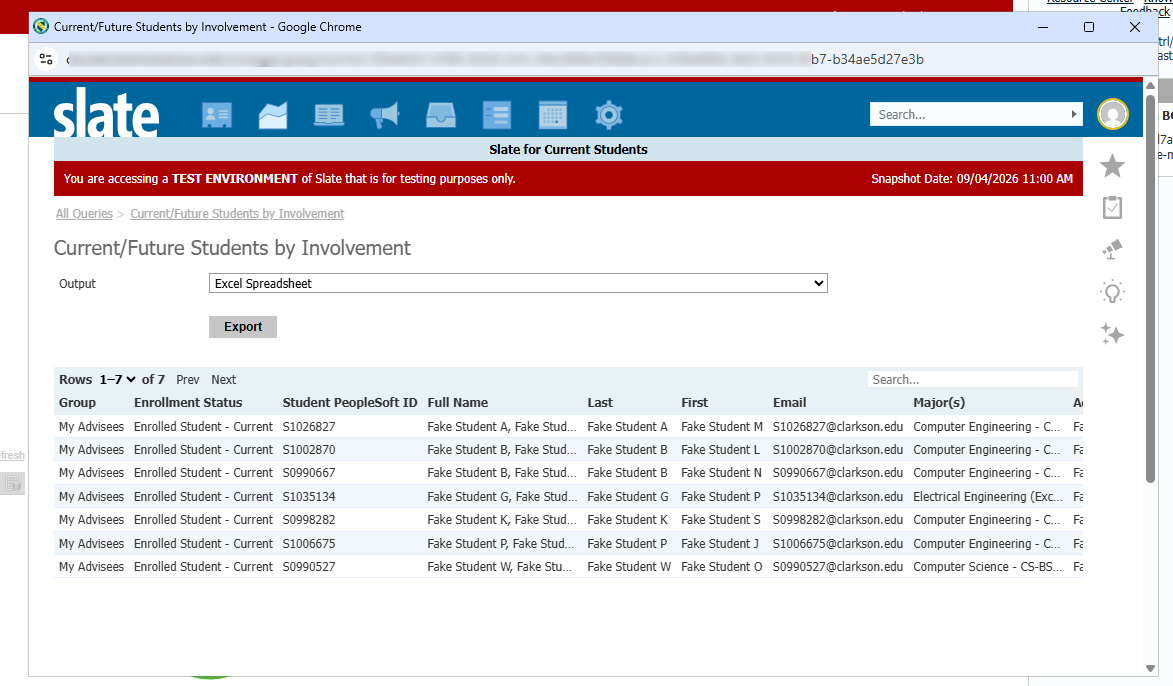
Clicking the icon an any of the screens will produce a query of students in that grouping and produce the same columns/fields for any group you click.
Automatic Notifications
There are no automatic notification as part of this process.