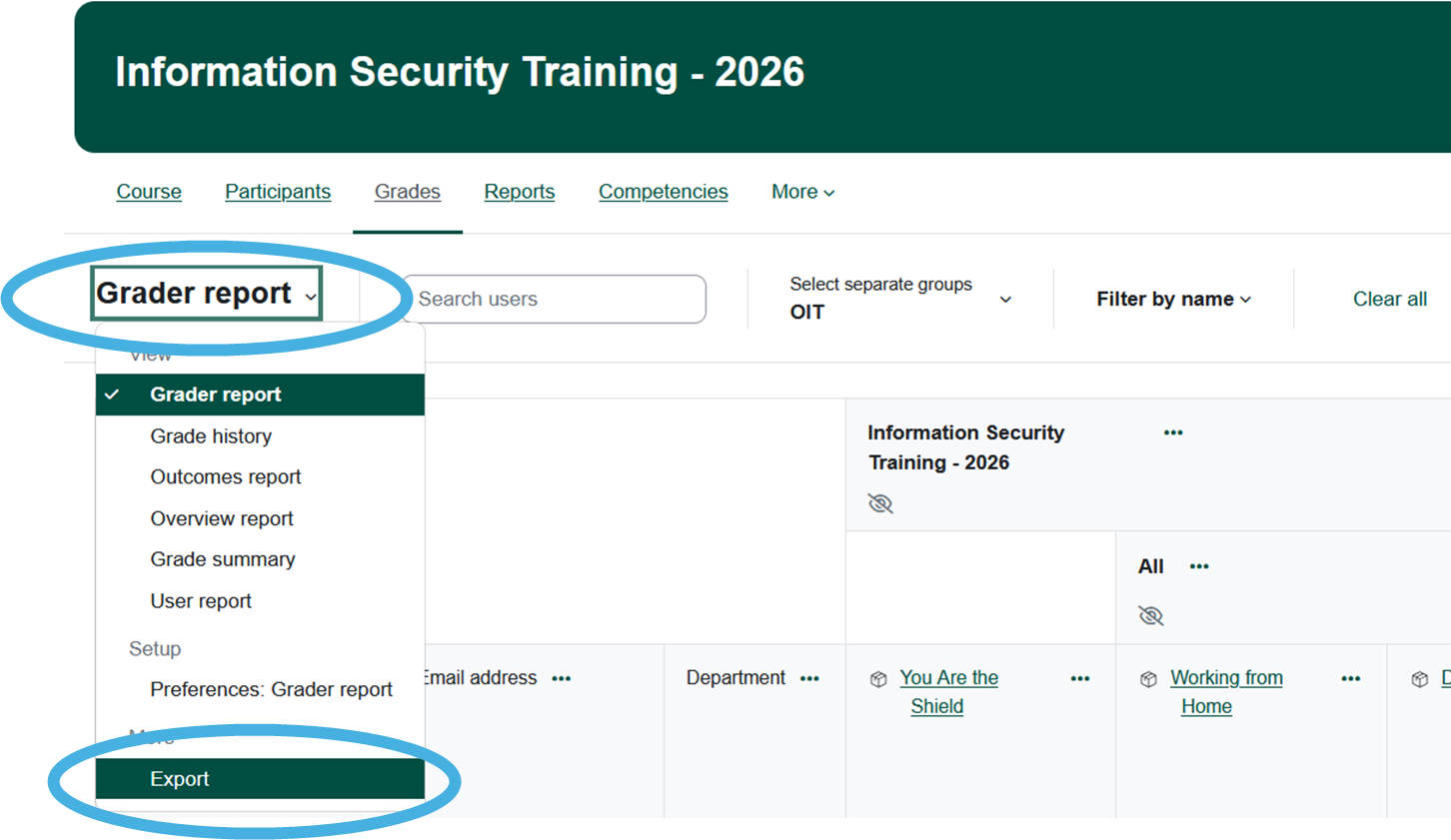
Pulling Completion Reports from the Moderator Role
From within the course:
- Click
Reports, then selectActivity completionGrades. - From the
SeparateGradergroups (Roles)Reportdropdown,dropdownchoosemenu at thegrouptopthat you'd like to viewof thereportGradebook,for.select Export.

TheChoosereportyourwillgroupdisplay. You can download it into an Excel spreadsheet usingfrom thelinkSeparateunderneathgroupthedropdownreport.menu.