Google Calendar - Sharing a Calendar
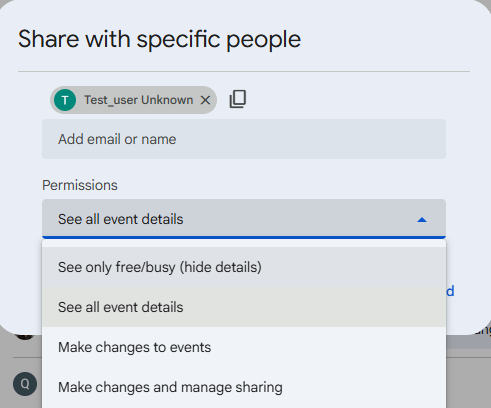
When sharing a calendar with someone you can also grant them access to edit/add events to the calendar or set them to read-only.
Prerequisites
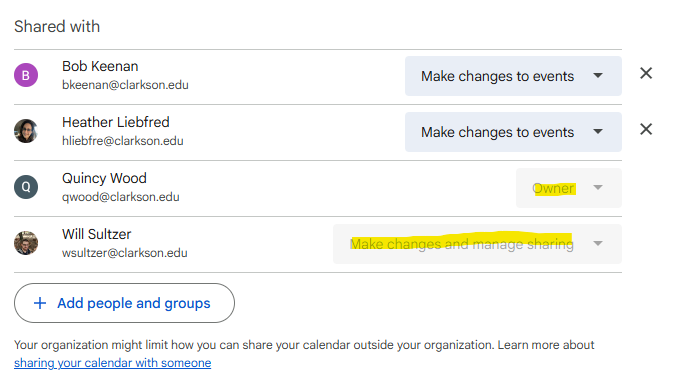
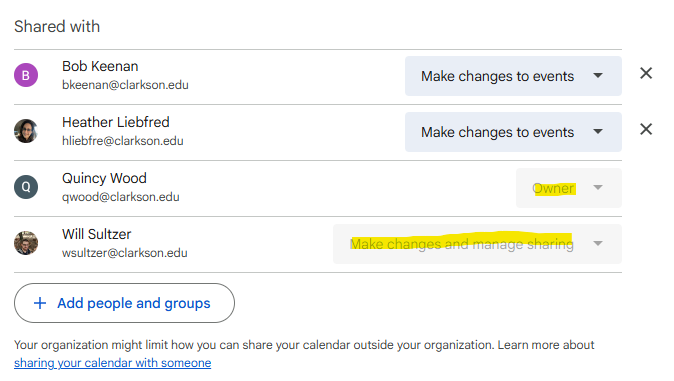
Must be an owner or have the Make Changes and Manage Sharing permissions on the calendar.
How to locate who has this access
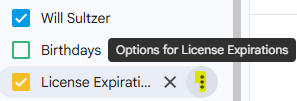
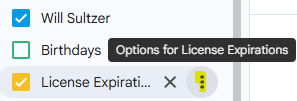
- Hover over the calendar on the left-hand side and click the vertical ellipsis next to the calendar you wish to view the permissions of.
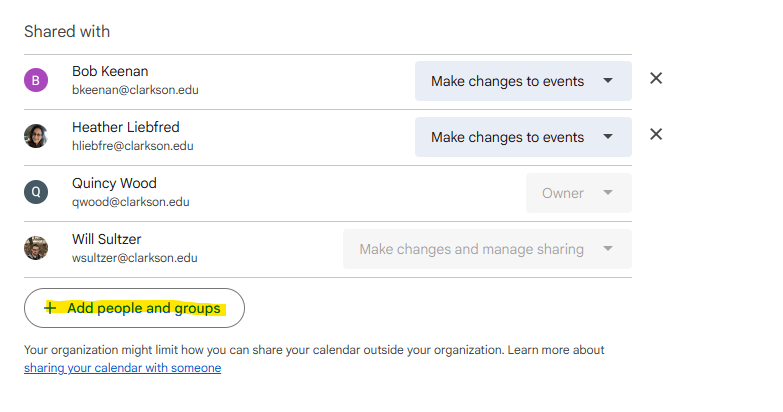
- Scroll to the Shared with section to view who has these permissions
Sharing a Calendar
-
While logged into Google Calendar, hover over the calendar and click on the vertical ellipsis next to the calendar you wish to change the permissions of.

-
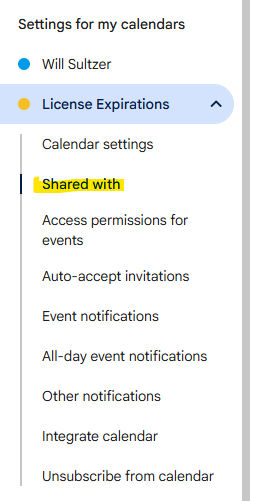
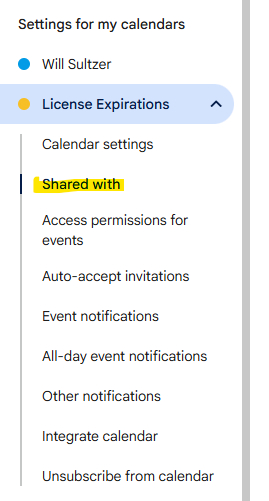
You should now be on the settings page. In the left column, click on the calendar you wish to share. Click on "Shared with"

-
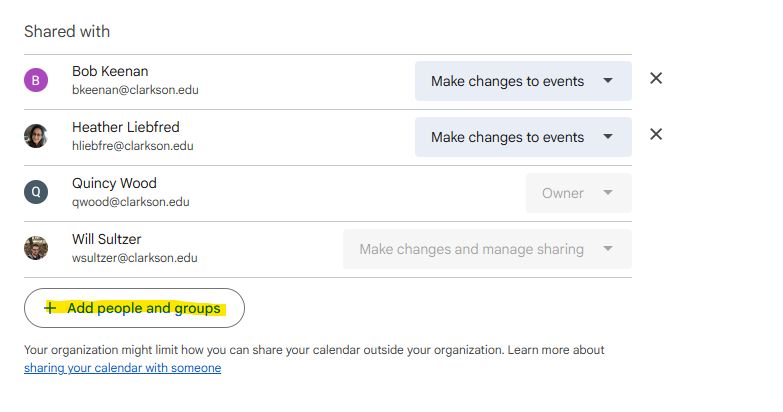
Click "Add people and groups"
-
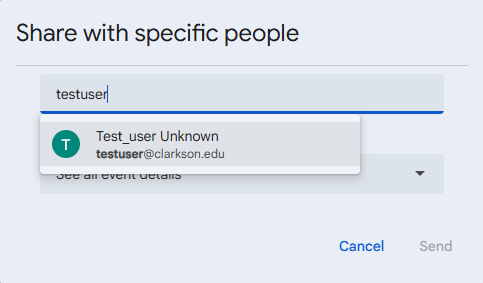
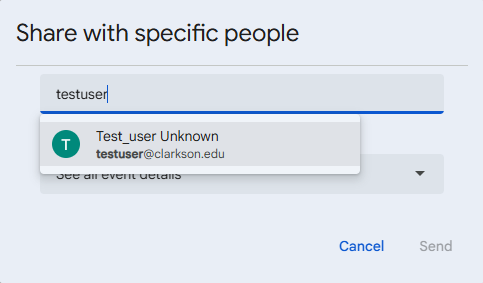
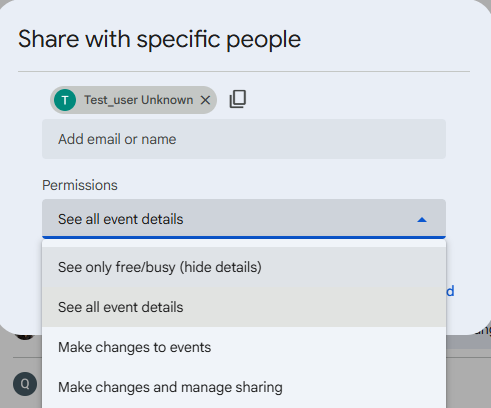
Add the email address of the user you wish to share it with and set the settings you'd like them to have.
-
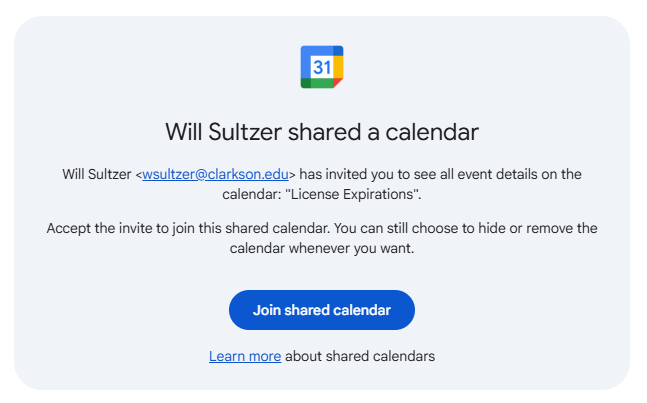
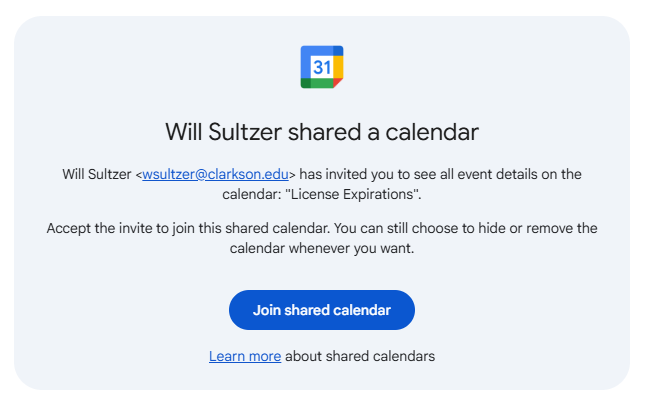
A notification will be sent to the user where they will need to accept the calendar.