
Expense Report
PeopleSoft Financials 9.2

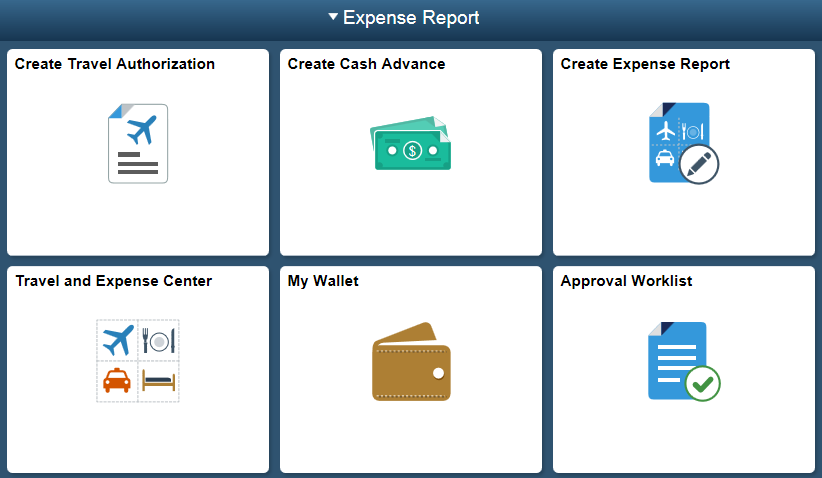
Expense Reports
Adding additional expense lines to an expense report 9.2
Adding One Card charges from My Wallet 9.2
Attaching receipts to an Expense Report 9.2
Checking for errors when creating an Expense Report 9.2
Copy of Applying Cash Advances to an Expense Report 9.2
Correcting the expense type in My Wallet 9.2
Creating an Express Expense Report
Entering header information in an Expense Report 9.2
Receipt Split in an Expense Report
Travel Authorizations
-
Draft - Approving/sending back a Travel Authorization or Expense Report
-
Draft - Attaching supporting documentation to a Travel Authorization
-
Draft - Checking for and correcting errors when creating a Travel Authorization
Draft - Entering line item information in a Travel Authorization
Draft - Submiting a Travel Authorization for approval
Draft - Updating a Travel Authorization
Draft - Viewing attached documents, pending actions and action history in a Travel Authorization
Entering header information into a Travel Authorization 9.2
Saving a Travel Authorization 9.2
Applying Cash Advances to an Expense Report 9.2
Creating a new Cash Advance 9.2
Viewing a Cash Advance status, pending actions or action history 9.2