
Moodle: Change Weights in Gradebook
Click on Grades on your Moodle Homepage
- On the left, click Grade Report-scroll down to Gradebook set up
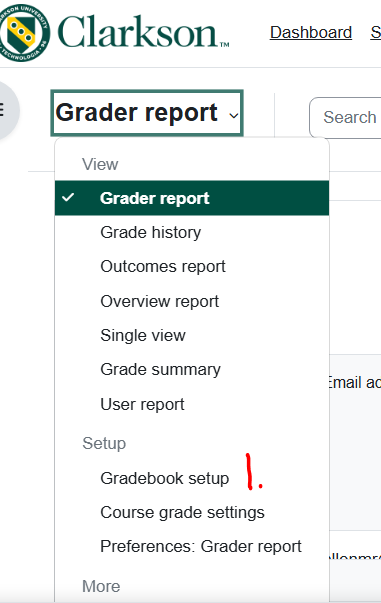
-
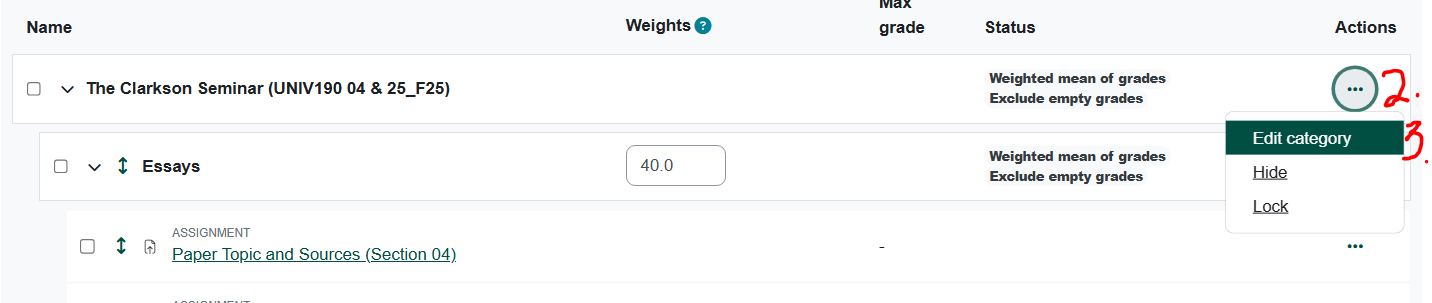
Click on the ellipse on the right of the item you want to change.
-
Click Edit Category
-
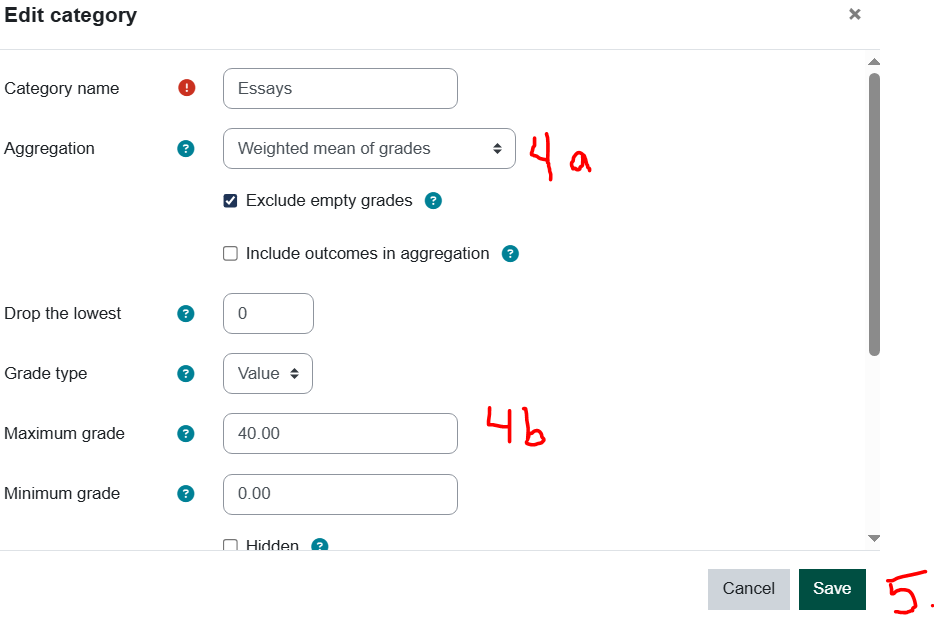
Make necessary changes:
-
Change the aggregation
-
Change the weight
-
-
Save the changes
See also Moodle Docs - Gradebook Categories