Adding a Profile Picture to Moodle
This article will demonstrate how to add an profile image to a User's Moodle profile, for students and instructors.
Head to the Moodle Website
- Log into Moodle
- At the Moodle welcome page, go to the top right of page and click where your name is
displayeddisplayed.
and
click on it.
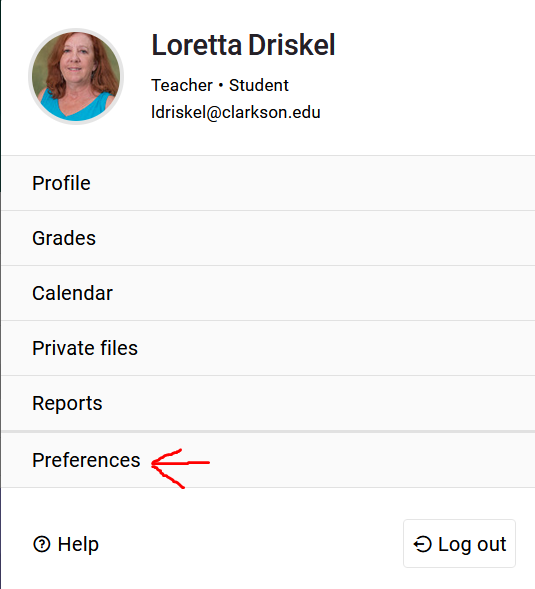
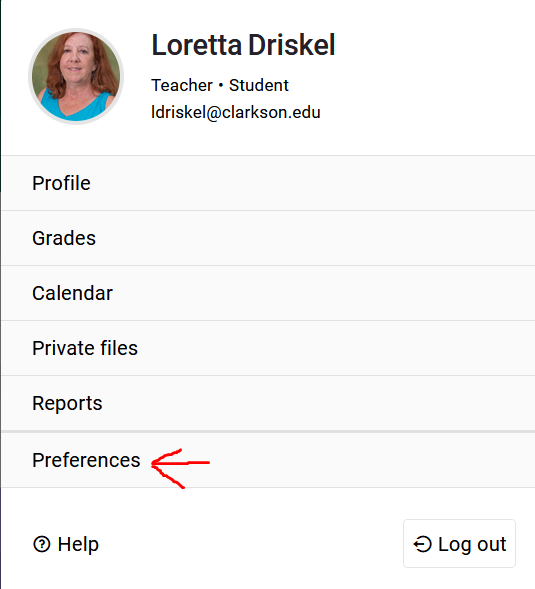
- A drop-down menu will appear, click on "
Preferences"Preferences".
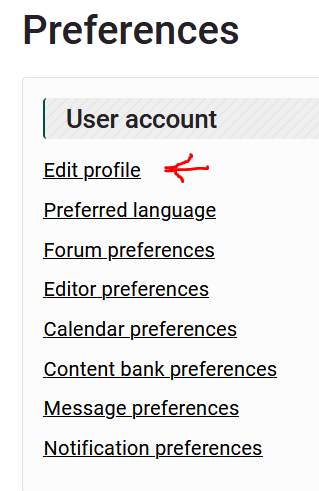
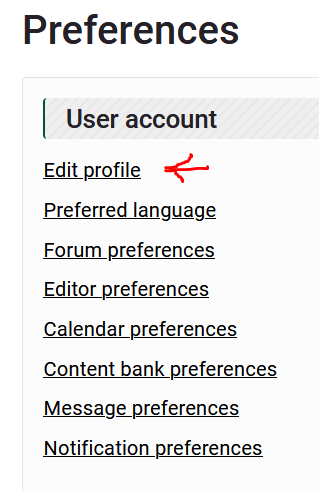
- Another sub menu will appear, click on "Edit
Profile"Profile".
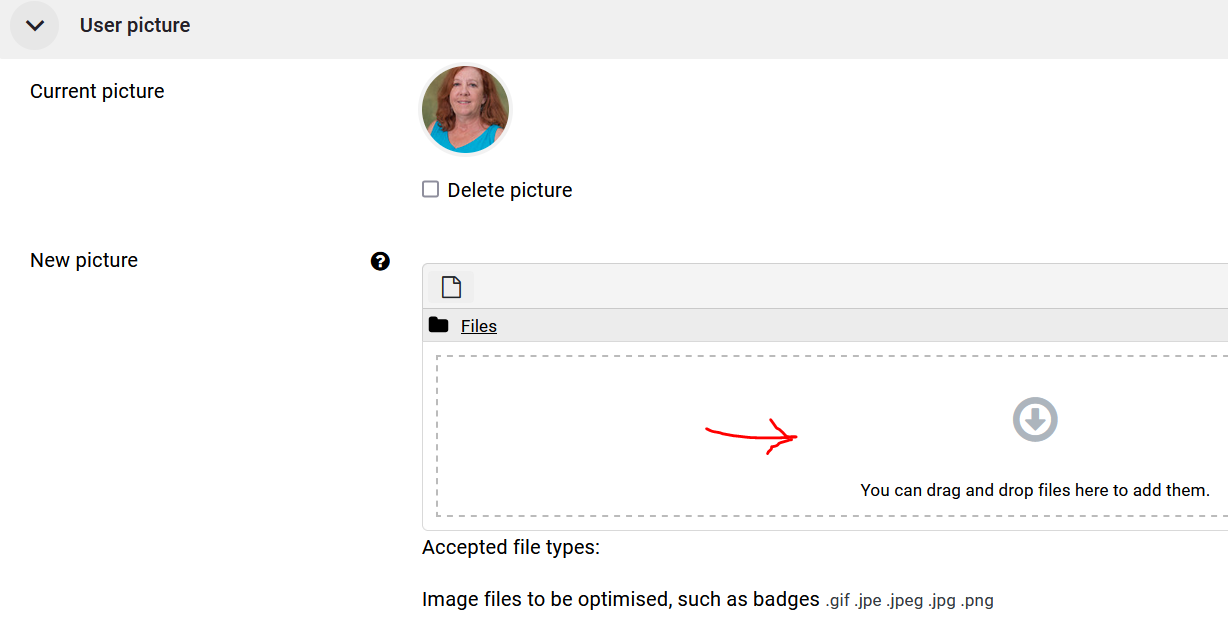
- Scroll down on the page
and click onto theiconUser Picture area.


Click on "

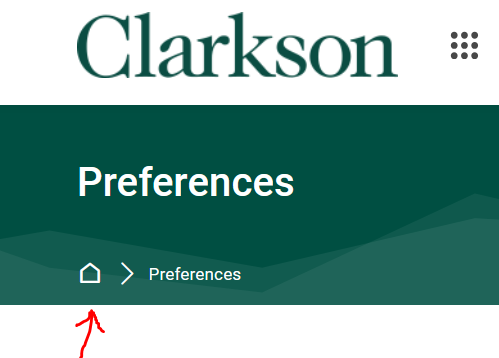
The Home icon on the breadcrumb trail navigation will take you back to your