Slate-Faculty Reviewer Guide

Once an application moves to the Program bins for evaluation it will need to go through the appropriate review and approval process. This guide is for anyone that is a Slate reviewer/approver.  

Step-by-step guide

How to Access and Log on to Slate

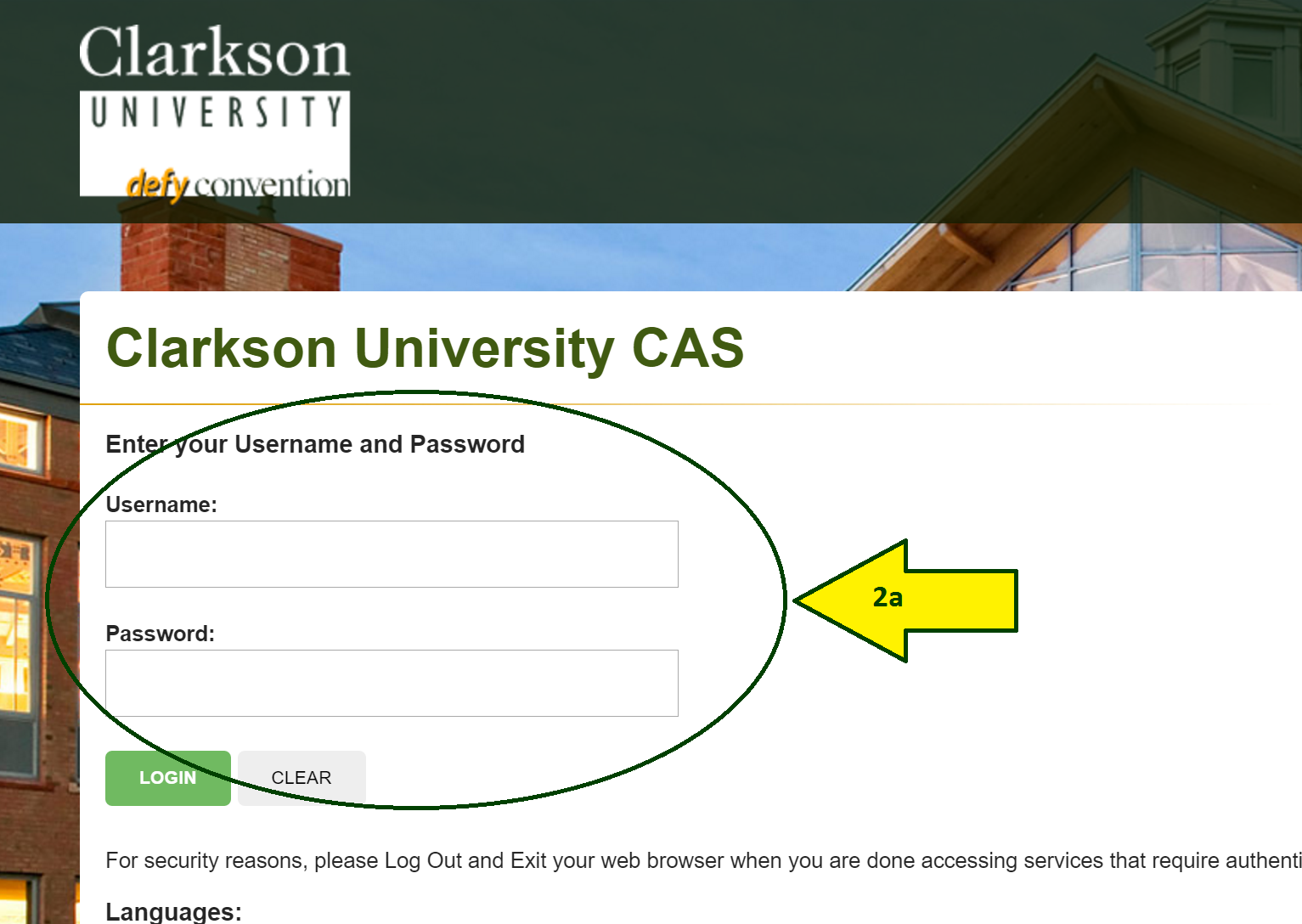
  1. Type gradapp.clarkson.edu/manage/reader

into your address bar.

2. Sign in using your Clarkson ID and Password.  


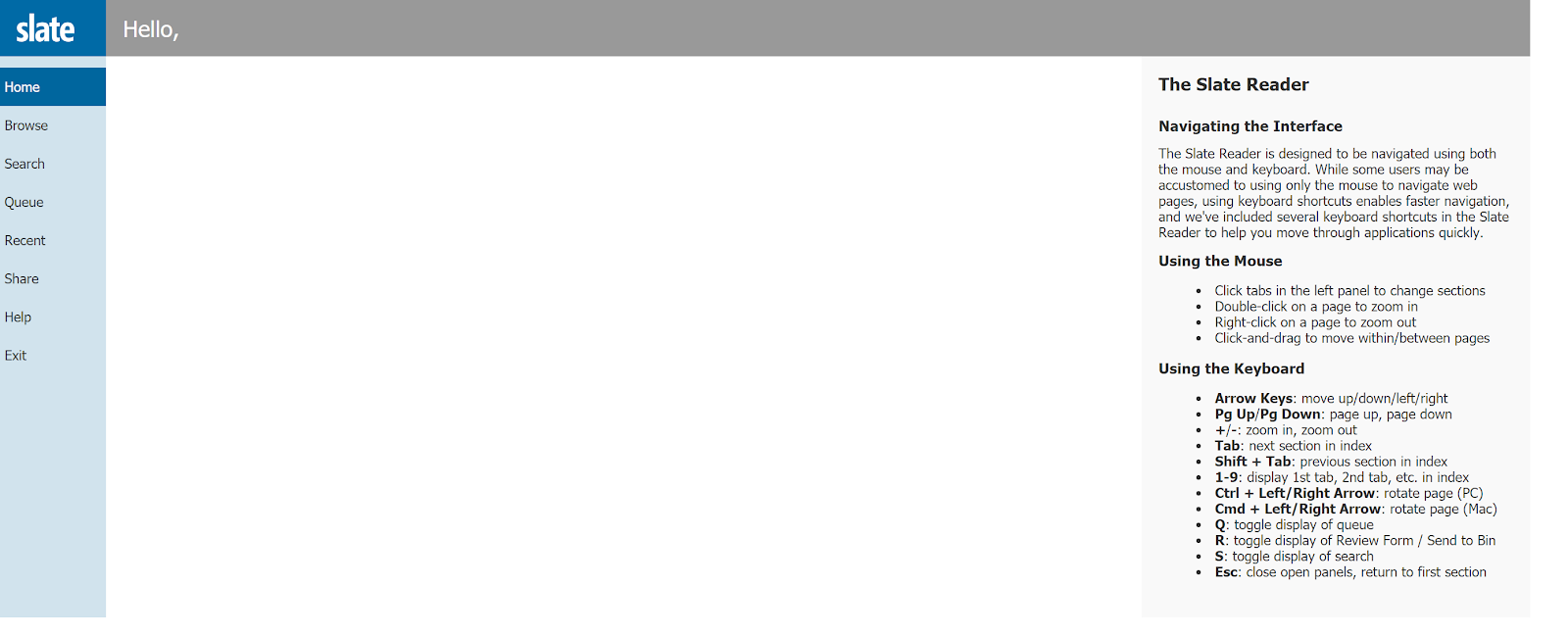
This is your Slate Reader dashboard.


jT8KPfSDqAbqvnRLb7CAS5bLsi_GIl8aJF2XHIw6mOR_ZEPGAPnLwkqEe6HbAvcGrL7_xsOIRMxDGFFuA_dOl2tfNjNApHyuquKHIrFRDxRoY750GEb9wctL0ajv_GQhHOZO3jMZ


vH7TEMgZw4hXy8awDxD64rjwgf3B7RzzZvOcRZB62syhd1HbJkVCaxtfaPk8WbmGo9F0Jj5CFew75rTfkriByqIBn-ejQo1-rwytbnJvS0WKD_Lu0tyNWMVf0SvCwTu5ve4-fQJR


LQGiL33UyeIE2tEm9IM2yCaMs8_hbjsWL3m33TvJ_WFDAh254hIsyr1AxiPEZC95t-1SAUKyuJ6zx6JTlxBP69xgZ2dquySaygtrjmTSVX77O8a2z7O9JyWIizGsw2pIwJ2fuRh_


Access Your Application Slate


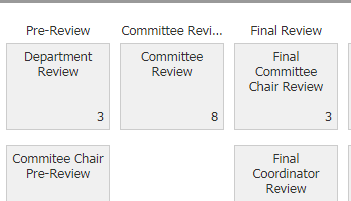
Click “Browse” on the left-hand menu.  Applications that are ready for your review will then appear in the ‘Committee Review’ bin.  


4) Click on an application to begin your review.


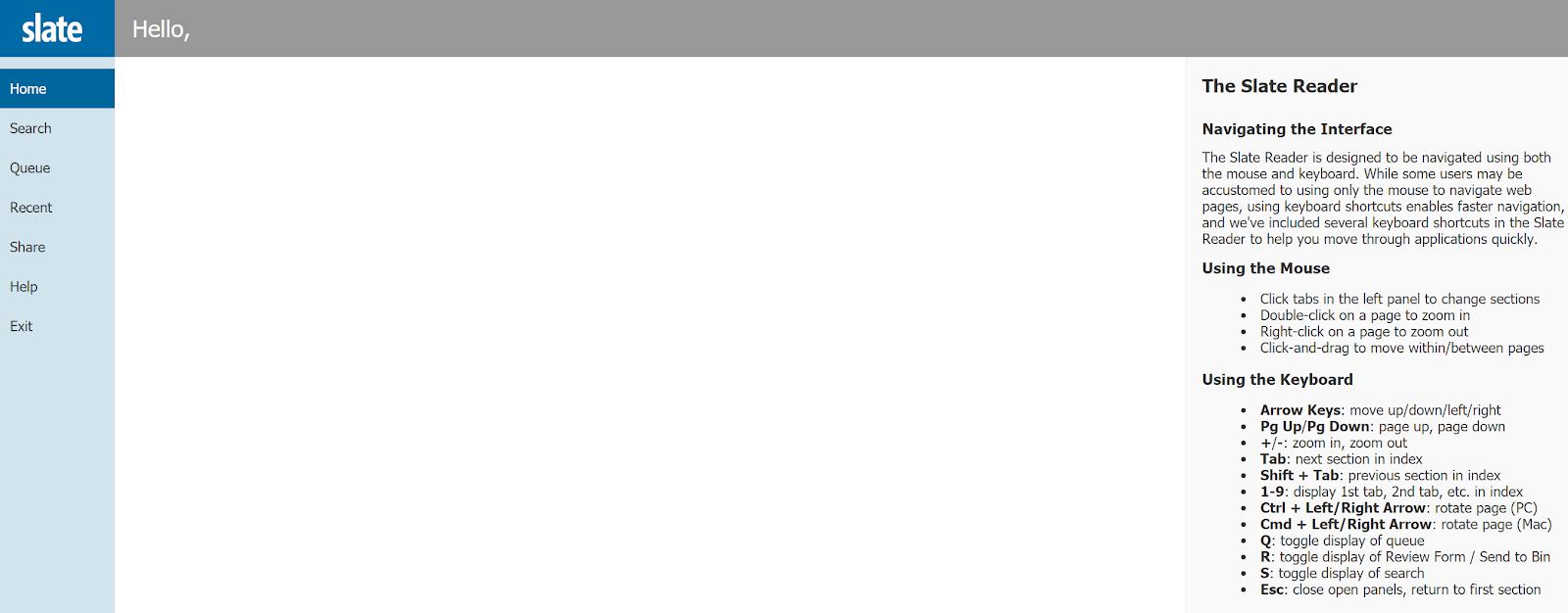
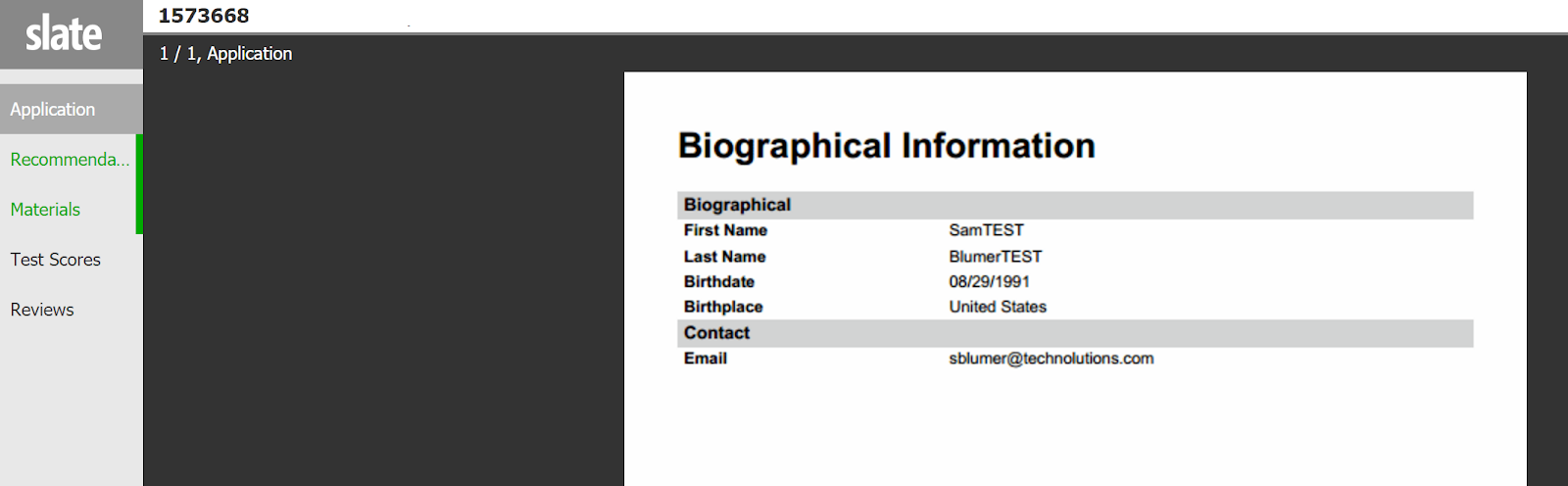
This is the Application Review Screen (aka Slate Reader).   


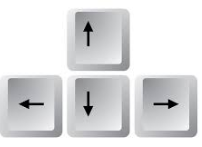
To navigate, either:

a) click and drag pages to navigate (your cursor will look like four arrows), or

b) use your keyboard directional arrow keys.

Application Tabs

On the left hand side of your screen, you will see a menu that provides a link to all application items that have been submitted. The menu will include items available for review. If something is not available (ex: not appearing or not clickable in the menu) and you believe it should be, please contact your Graduate Coordinator (see Chapter IV for contact information).

  • Application

  • Recommendations

  • Materials (materials include resume, essay transcripts)

  • Test Scores

  • Supplemental

  • Reviews

  • Decision Letters

  • PeopleSoft


jKMcI4pnm-aiat_TNujs40OSCicKb381d_AtMEWgvn-eDCYxgfVlflshe6leaMsh_xZuD1M3tIHHnoZdOJIyyxp-v9TpuaBB7i70kztdwlYR3AY2vtE2AyQPRk-c1TQ_yDNR_MbL7GQ_HMHU_QiP0H_GKMDgSShijV5I7Ow1xY_M38oWZJudAMK5My5ePIOpbVp1dk1wWCq2ySFmzNQIkitS2BT8kTDh1kB1B4PoslO-CLNkmTkpI7XWD4KupCYrl3tYMfI7RNA5P-3gmtK3_CpL7ODtVJ6rFSgsGubue8H2JIRYXZaC2kVUXBof9NXr3UTzwNAvBE1xQsqK_wjYRtZXnoo83EvbqRiYf6H-vk_9Y7domuqUYw0myrwNxShk44d5reZONoRxB_0f4KC-m3Tr


jYxSM1YIPH0UluEOA8RZBc7UsMba6kJb90WDesHfl605KrB5TT6f1tWQ1mbhLFv305j-iZYQTbuq3C21agzOQJpiVLhWsU7pcxkBgROnkspYyLQfHOJOLjtsPoGRwbFVYIUMCWXC


UFTbBlEyX_LH-jMMAkfnOgcqD3263i9TlrBeUEocTlZp0c8ff6PfjljSYHZuvH9jrAVBcuWqeUvLfaUtqcQxxexUFuL6b_uzoKrJtZQGw8wtrLxfzSzYMq1RHQ0rqnW6C2qSmUk5

NBMLZId5tZpJrKcQi9ysMzg8lWkJ2FI4IHXuEwE-bTc-W7j9YCcnkAIVaXavs38MlWeWMOv36yuUDOYap64ETNBspN4jGKkHJ6rNlFIjQ9JrEeXh91y8K7AAQHREDtZU40PLJhlT


7LD-uiiA5fwhHsidYD4Jytt7qwGYQ3ML13rAtwt7XBlY7cTw_KC0t4ioC-Dxb6MgXBehaptpROu7vIxwBNJ5Gfx1docSftoY3LMNTb9N-z7SZ-kbrtQfjkzopm6sw5Sx44mVLOi9

Click on “Exit” (on the left-hand side of the screen) to return to Slate Dashboard.


tS8f-1KqV5PULve-9CSKZ90WPdeJelyNU_gcAqj-cMRA8Pdg7If6TeUMVIQlr2g27sS9UueNv42ysovqTWCHXGoqdaI-dj-SRxMn0JHnqf5YiCdpnsIx-XSILB_hsUd4y2ValROH

gradapp.clarkson.edu/manage/reader