
Slate Faculty Reviewer Guide (Ongoing)
Once an application moves to the Program bins for evaluation it will need to go through the appropriate review and approval process. This guide is for anyone that is a Slate reviewer/approver.
Step-by-step guide
How to Access and Log on to Slate
When
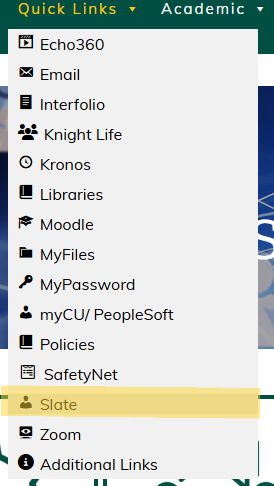
into yourthe addressIntranet, bar.hover over the Quick Links drop down at the top of the page. From here, click Slate.
2.
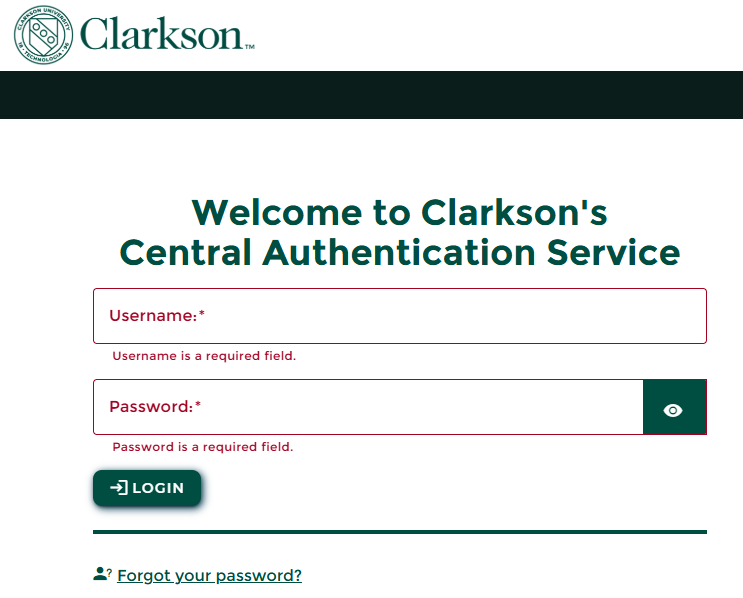
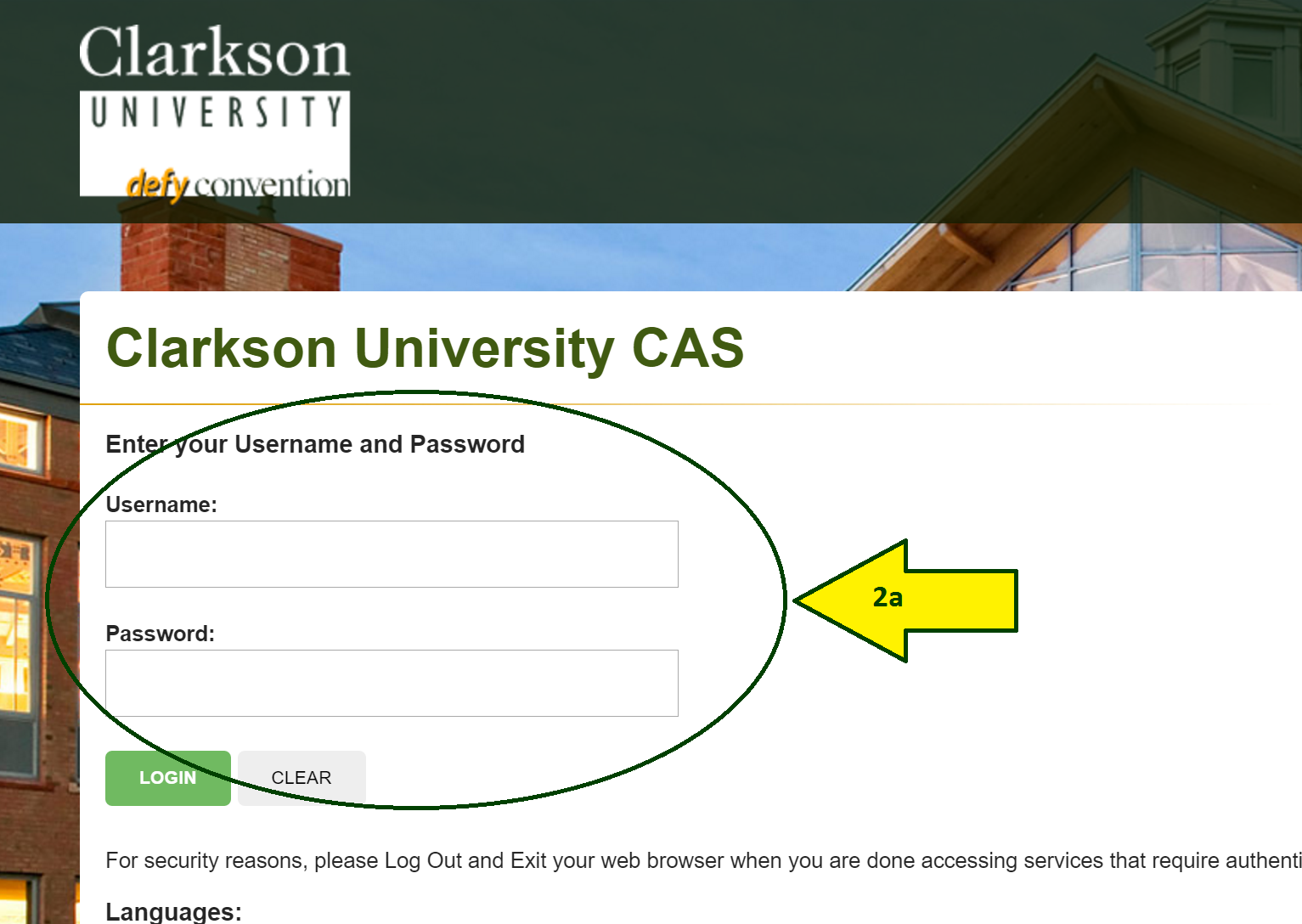
Input your Clarkson IDusername (this is the first part of your email, what comes before the @clarkson.edu) and Password.password (this is the same password you use to log into your computer).
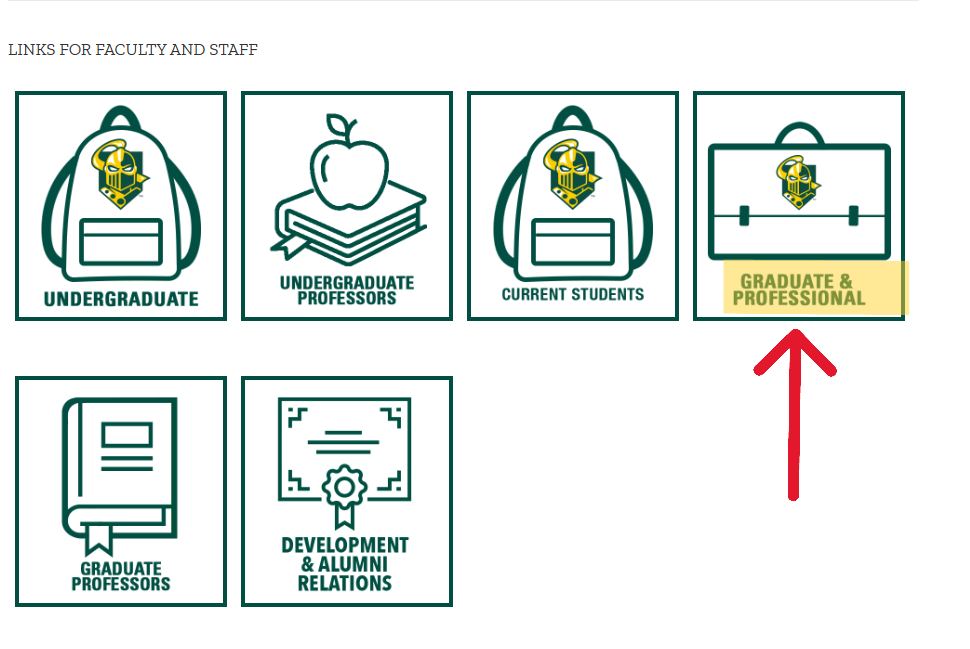
Scroll down to the Links for Faculty and Staff section, then select the Graduate & Professional tile
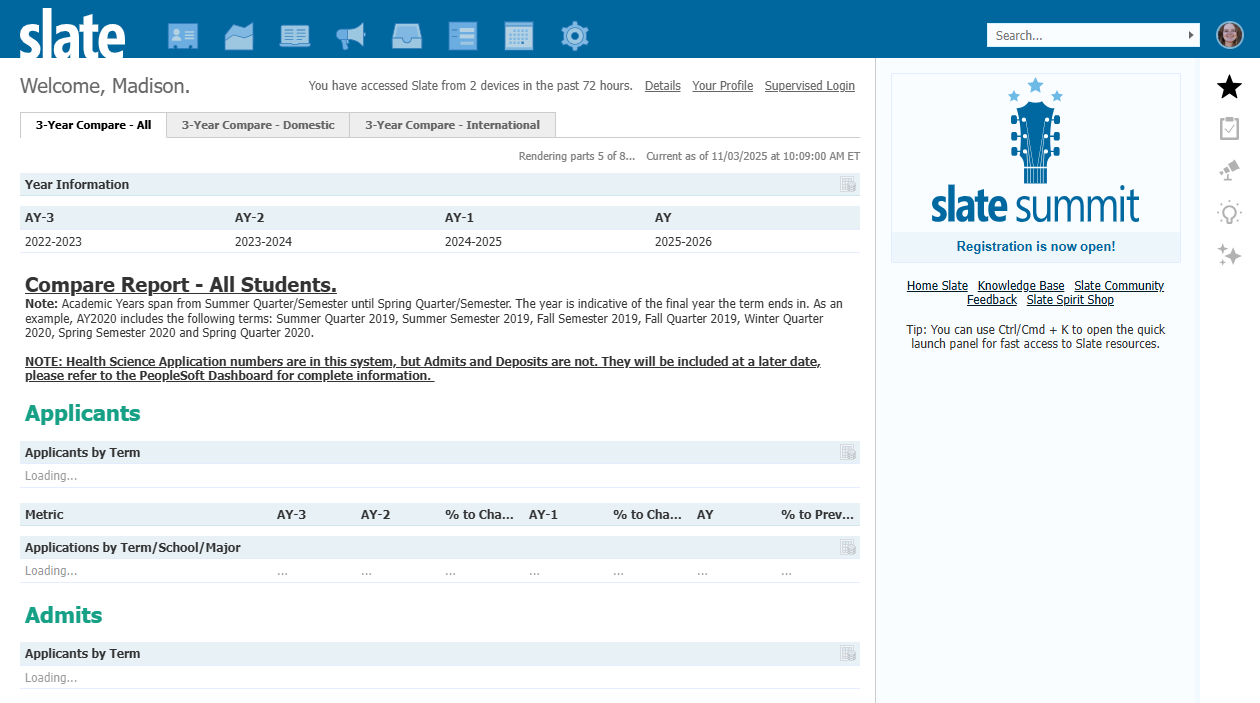
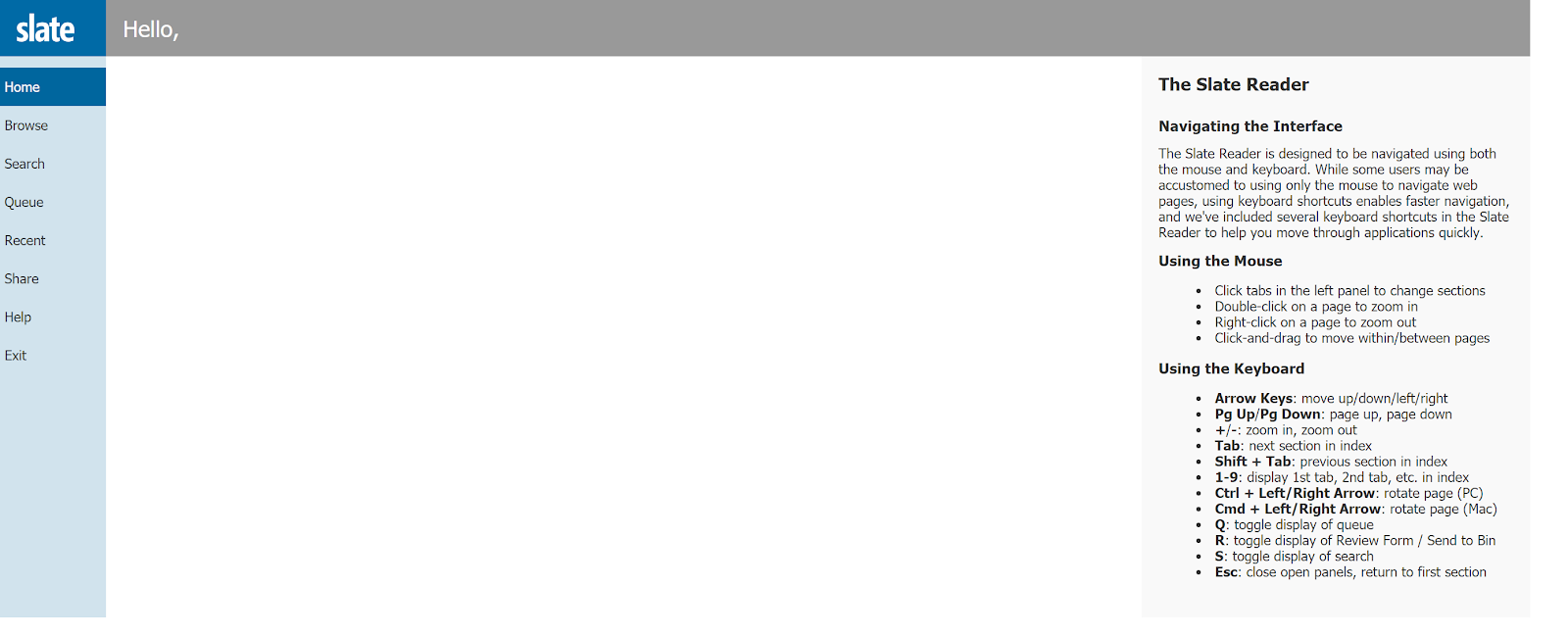
This iswill bring you to your Slate Reader dashboard.Dashboard

Access Your Applicationyour Slate Applications
At
screen, click the icon that looks like an open book. This will bring you to Slate Reader
Click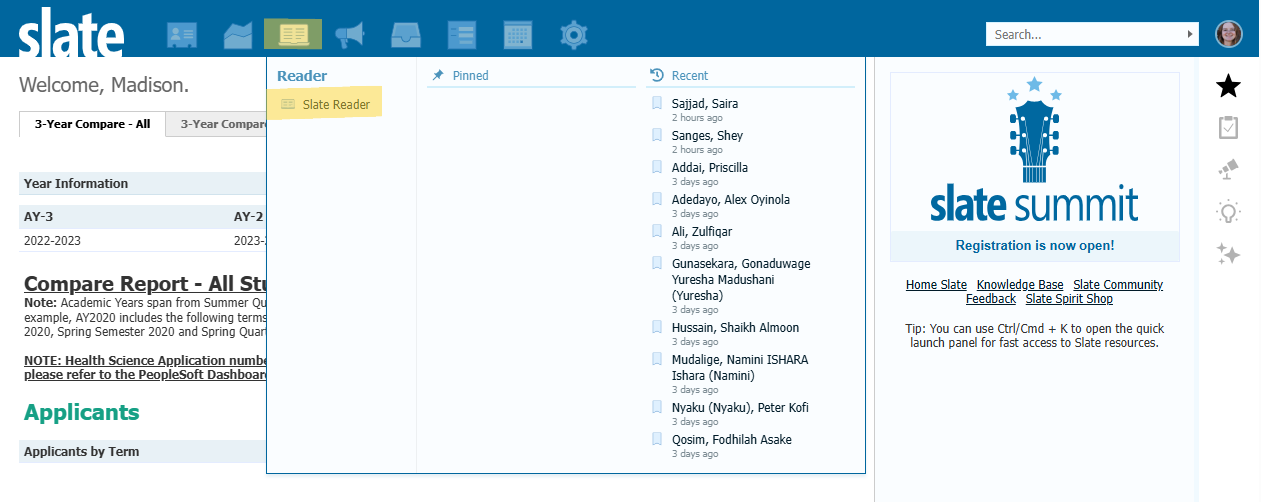 Once
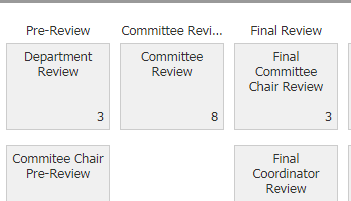
Once “Browse”in Slate Reader, click 'Browse' on the left-hand menu. Applications that are ready for your reviewYou will then appearclick on the appropriate bin based on your role in the ‘review process:
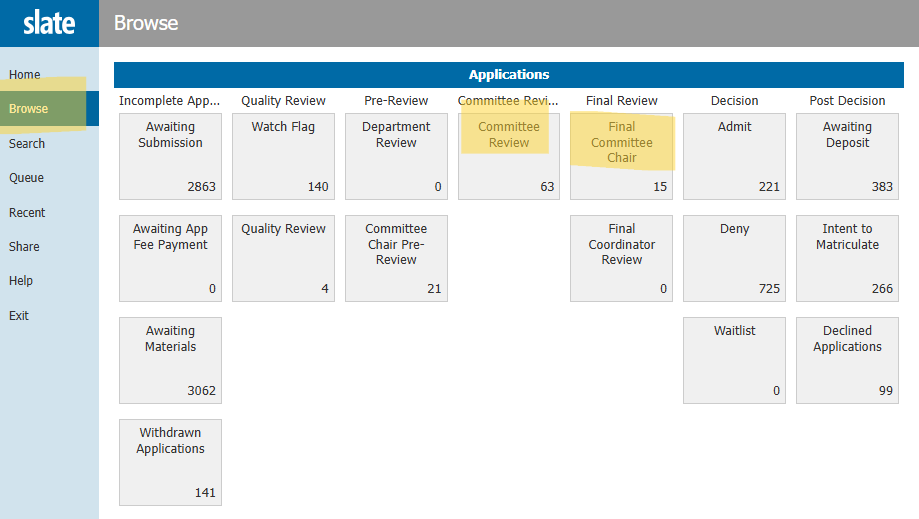
Once inside your bin, all applications awaiting your approval will populate. To select a file for review, you must first click the paper icon to the far right.
Tip:
You only have to do this for the first application. If you review other applications after, without exiting reader, you will only need to click on the students name. Once you leave reviewer, you will then have to click on the paper icon again.
4) Click on an application to begin your review.
This is the Application Review Screen (aka Slate Reader).
To navigate, either:
a) click and drag pages to navigate (your cursor will look like four arrows), or
b) use your keyboard directional arrow keys.
Application Tabs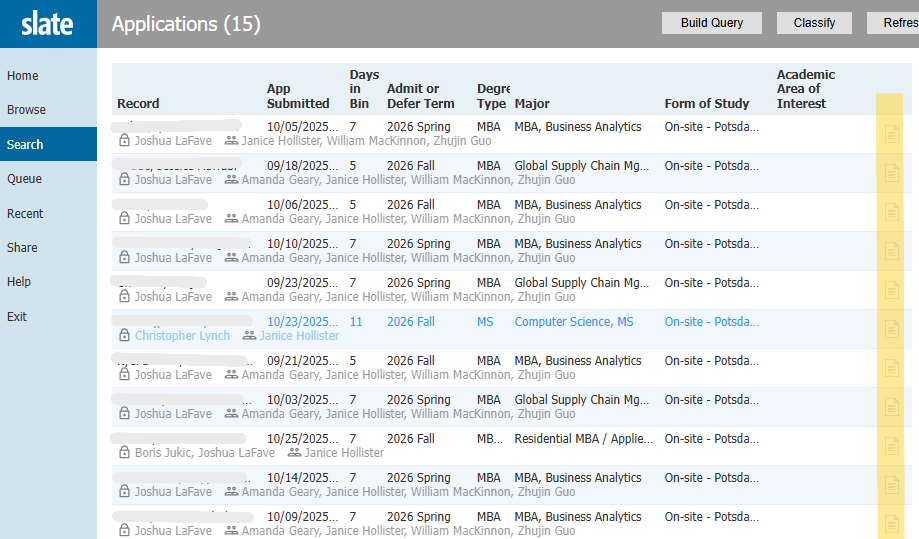
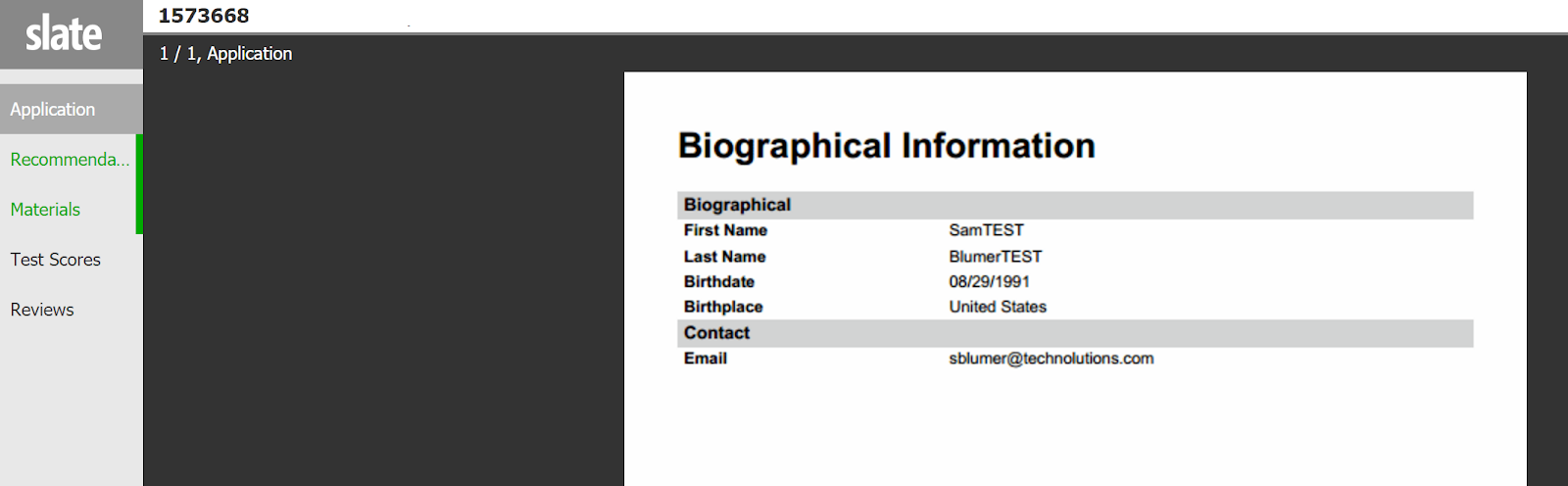
On the left hand side of your screen, you will see a menu that provides a link to all application items that have been submitted. The menu will include items available for review. If something is not available (ex: not appearing or not clickable in the menu) and you believe it should be, please contact your Graduate Coordinator (see Chapter IV for contact information).Coordinator.
-
Application
-
Recommendations
-
Materials (materials include resume, essay transcripts)
- Transcripts
Test Scores
Supplemental Material
Reviews
Decision LettersReview
PeopleSoft Information
App Comparison Decision Letters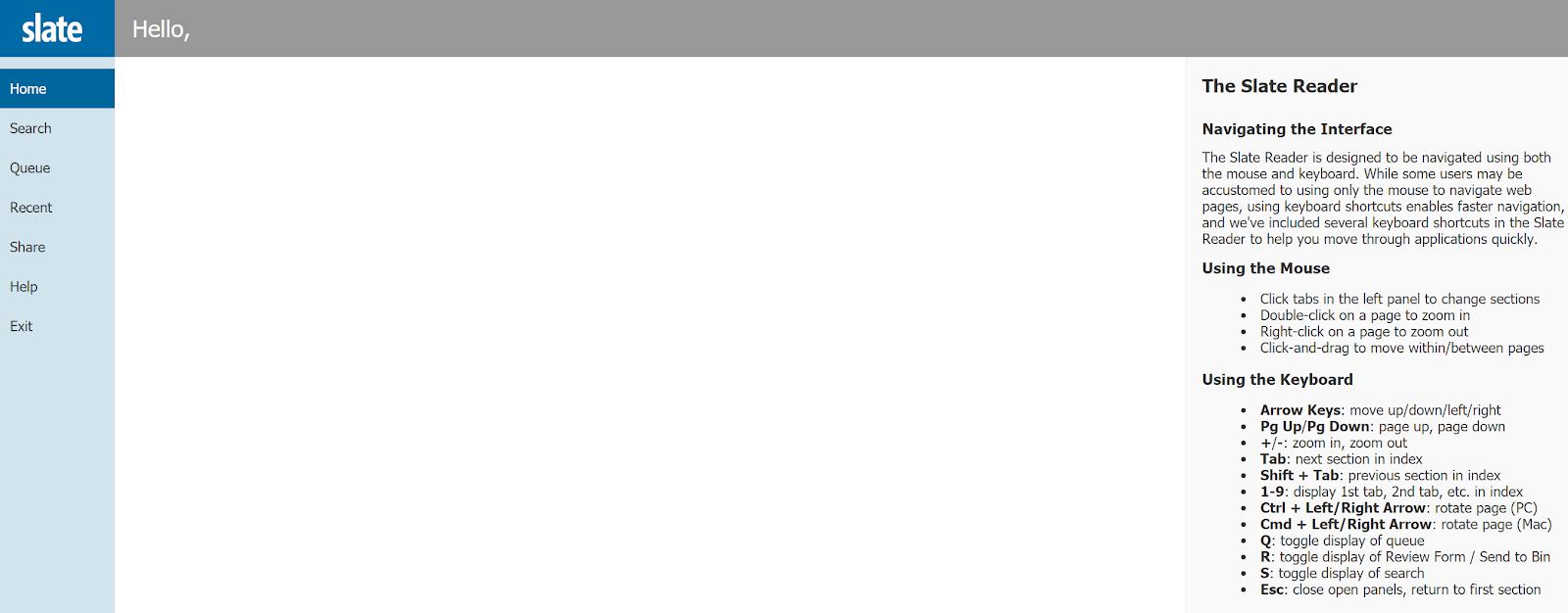

INFORMATION -


Click on “Exit” (on the left-hand side of the screen) to return to Slate Dashboard.
