Temporary / Per Diem Employees Using eTime
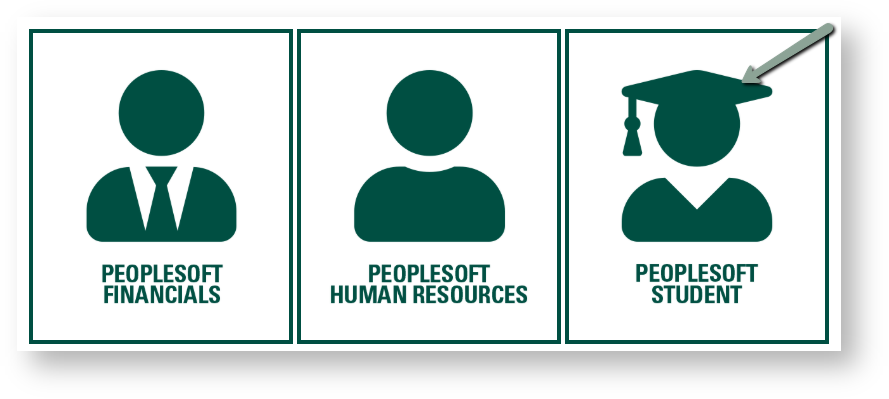
Those that need to use the eTime time tracking tool can access it in PeopleSoft Student.Human Resources.
Either go to https://intranet.clarkson.edu/peoplesoft/ click on the StudentHuman LogoResources tile on the PeopleSoft page on the Intranet.

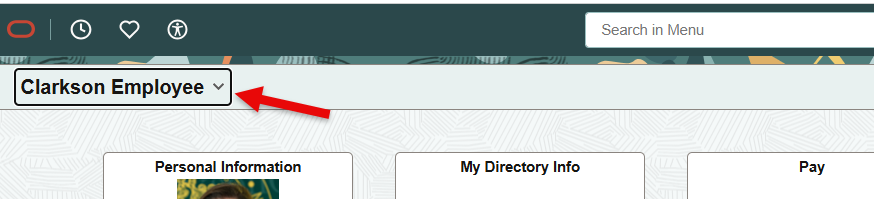
ProvideSelect Clarkson Employee from the appropriatedrop credentials.down on the left:

OnceSelect loggedTimecard in,Tile
Select your Supervisor from the dropdown:
Use the interface to Clock In and Clock Out, Be Sure to Submit Your Card at the end of each pay period you are setup for eTime you will see this Interface.work.

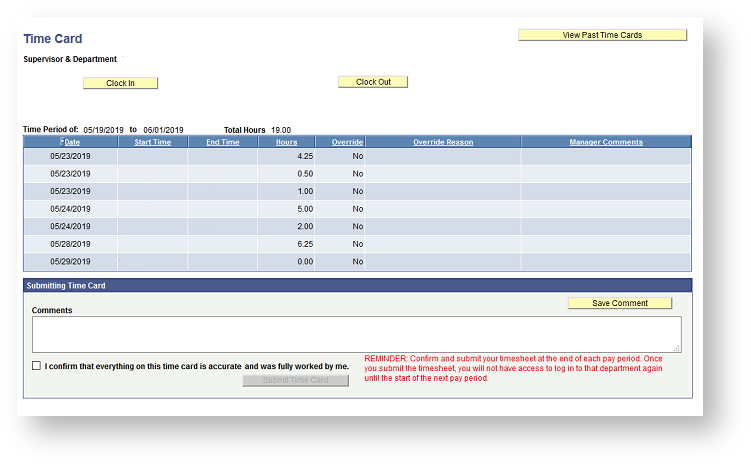
Interface Options
Clock In - To create a start of work time record.
Clock Out - To create an end-of-work time record.
View Past Time Cards - To view time cards for previous pay periods.
At the end of a pay period be sure to check the confirmation checkbox and click Submit Time Card.
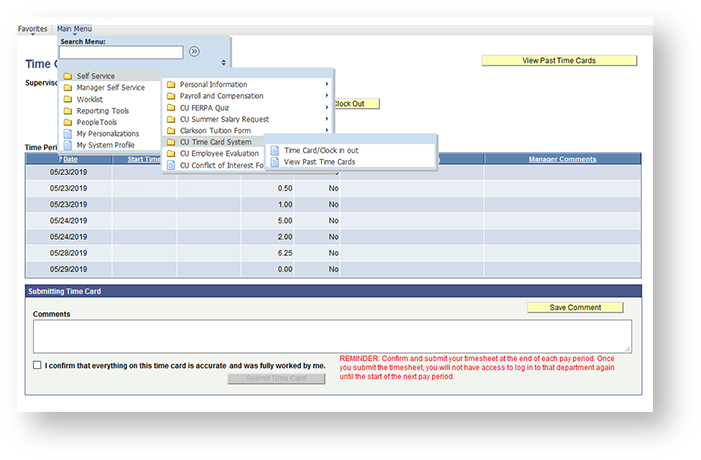
If you are in a blank window you can always follow this path: