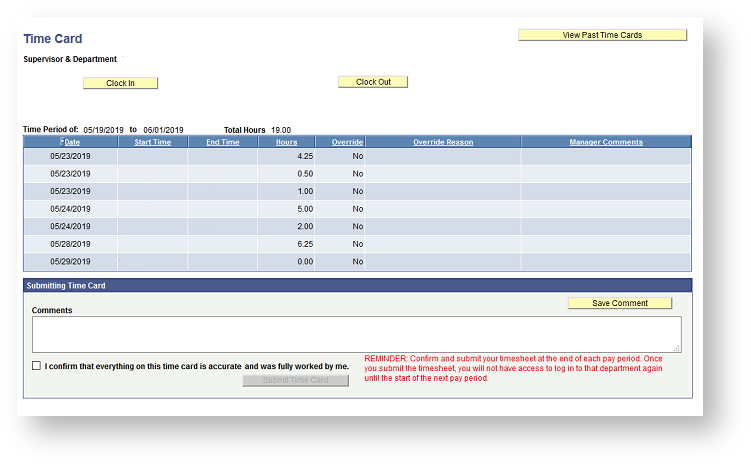
Temporary / Per Diem Employees Using eTime
Those that need to use the eTime time tracking tool can access it in PeopleSoft Human Resources.
Either go to https://intranet.clarkson.edu/peoplesoft/ click on the Human Resources tile on the PeopleSoft page on the Intranet.


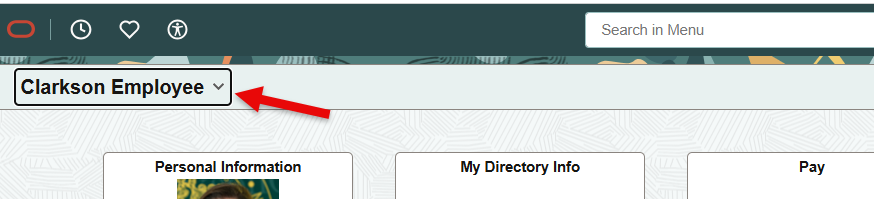
Select Clarkson Employee from the drop down on the left:
Select Timecard Tile
Select your Supervisor from the dropdown:
Use the interface to Clock In and Clock Out, Be Sure to Submit Your Card at the end of each pay period you work.