
Find-Me Printing
Summary
Find-me Printing is Clarkson University's solution for on campus printing (black & white and color) and scanning for students, faculty and staff.
In this article:
How to print:
To update or replace Clarkson ID Cards, contact Campus Safety (315) 268-6666.
Printer Locations:
CAMP Graham Bertrand H Snell CAMP 171A near OIT Office Graham 1003 Snell 1st Floor Atrium CAMP 102 Graham 2nd Floor near elevator Snell 165 CAMP 156
Snell 239/241 CAMP 220 Holcroft Snell 265 CAMP 257 Holcroft 2nd Floor near Breakroom Snell 3rd Floor Hallway near Petersen
CAMP 350 Holcroft 3rd Floor Hallway
Student Center Cheel Price Student Center 120 Cheel Press Box Price 1003
Cheel 200 Price 2210
TAC Clarkson Hall Quad TAC 207 CH 1000 HS Library Quad 1st Floor Hallway near Vending
CH 1001
Woodstock Lodge CH 2202 Rowley WSL 100 Main Lobby CH 3012 Rowley 140
Alumni Gym ERC Science Center Alumni Gym 108 ERC 1112 Library SC 125
ERC 1st Floor Atrium near Ignite SC 170C
ERC 2nd Floor Student Study Space SC 275
ERC 2nd Floor near OIT Help Desk SC 319
ERC 2305 SC 357
Background
Beginning in October 2022, Clarkson University began to deploy BizHub printers which offer "FindMe" printing and "ScanToMe" options on most printers.
In this joint project with the Office of Information Technology and the Financial Office, the BizHub _Find__Me_printer solution reduces paper and ink costs, and lowers support costs in the following ways:
- **Reduce Waste:**Have you ever sent a print job and then changed your mind but it was too late and the job already printed? (Yes, we know this happens.) With BizHub’s_FindMe_printing, those wasted print jobs are eliminated.
- Lower Print Costs: These new units will reduce the University’s cost to print by approximately 40%. It is much less expensive to run these large, centralized units than it is to support desktop inkjet or laser printers.
- **Lower Support Costs:**The use of these smart devices allows centralized oversight of connections and maintenance making it possible for support teams to monitor printing performance across campus.
In addition to lowering costs, the BizHub solution offers these additional benefits:
- **More Equitable, Accessible Experience:**All BizHub devices are equipped to print both black and white and color. This increases the availability of color printing, making printing more convenient and accessible.
- Confidential Printing: With BizHub’s_FindMe_printing, concerns about sending sensitive or confidential information to an unsecured location go away. Individuals are there to receive their print job at the time it is printed.
- Scan to Me: With BizHub’s “Scan to Me” option, you will be able to quickly scan documents and have them sent directly to your email inbox without the need to enter your email address or select your name from a directory. Want to send your scan to someone else? No problem, you can manually enter an email address as needed.
Project Scope:
- New BizHub Printers with_FindMe_services will replace all Xerox devices currently located in administrative offices and public computing spaces on the Potsdam campus (see Locations list below).
- SymQuest and Clarkson technicians will be on the Potsdam campus installing new devices in October 2022. Removal of the older Xerox devices is TBD.
- Onsite demonstrations and training will be provided to students, staff, and faculty.
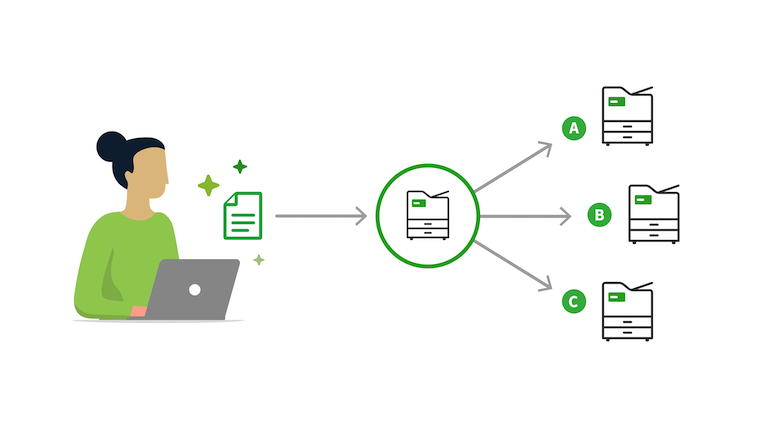
How_FindMe_Printing works:
3. Select desired options, then Print.
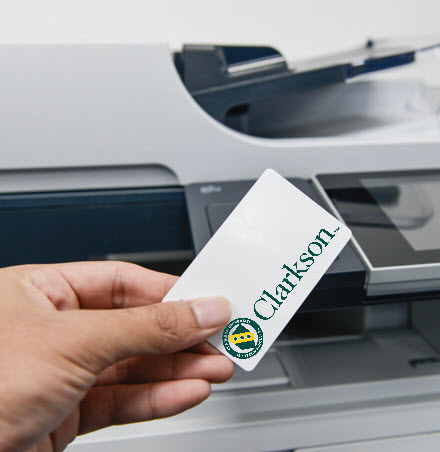
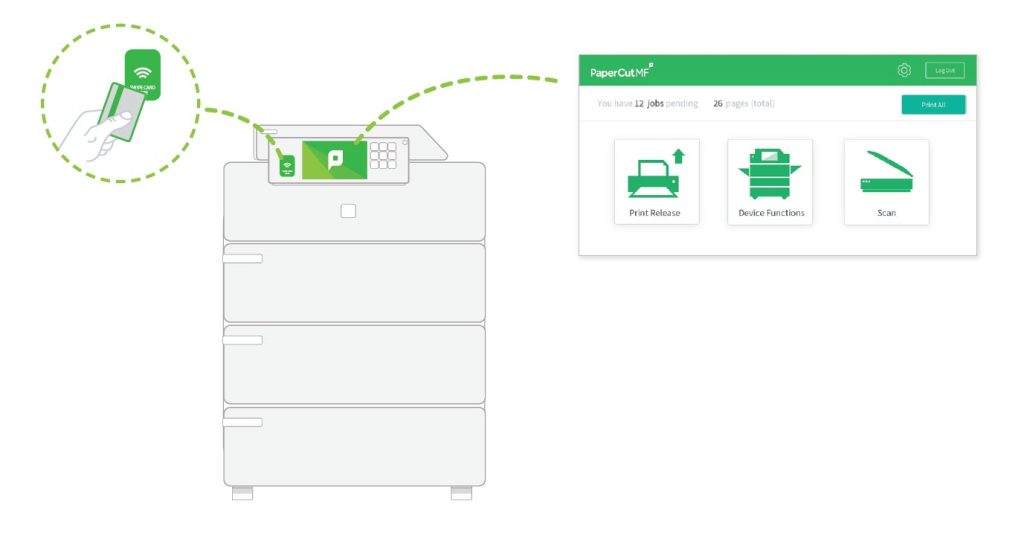
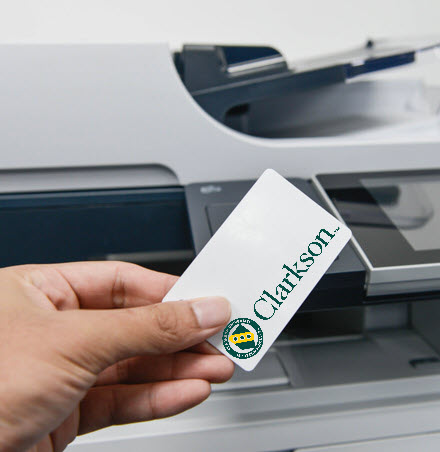
4. Bring your Clarkson ID card* with you, at the printer swipe your ID, select the print jobs on the touchscreen you want, and the complete print.
* Note: Older Clarkson ID Cards without bar code technology will need to be updated. To update, contact Campus Safety (315) 268-6666.
Potsdam Campus Printer Locations:
Locations with New BizHub Find Me Printing:
*Printers located in Public computer lab spaces