AutoDesk - Licensing Checkout Error
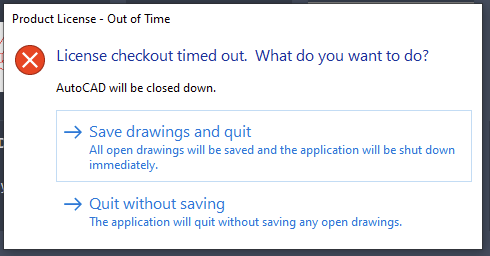
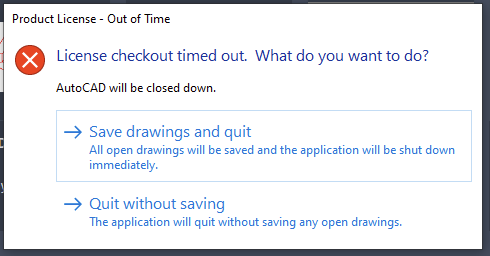
Issue: License Checkout Error
Resolution:
Personal Computer
Install the Autodesk license service:
- Navigate to the URL below and download AdskLicensingInstaller
- https://www.autodesk.com/support/technical/article/caas/tsarticles/ts/f5IhBc15i0kOwzBb8lcEN.html
Be sure to close any AutoDesk products as well as the licensing manager from the
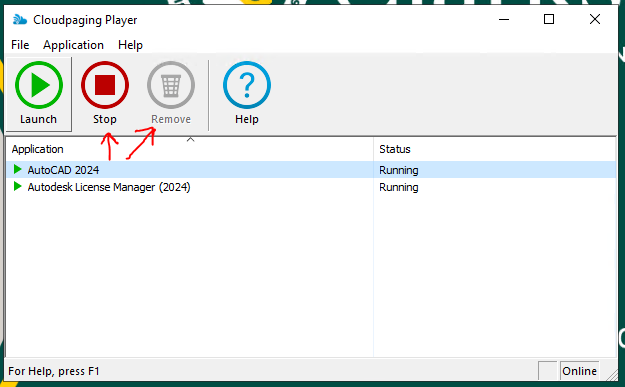
Cloudpaging Player
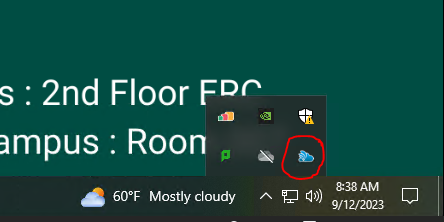
- This can be done by clicking on the system tray, right clicking the Cloudpaging Player and clicking open. Select each AutoDesk related item and then click Stop followed by Remove