
Fixing Application Data Errors between Slate and PeopleSoft
Below is the list of errors being generated from the report found in [SQR Name] and how you fix each one.
For each of the issues listed below, start by opening the application in both Slate and Peoplesoft.
- Using the link provided in the email, go to the application in Slate. This link should take you directly to the application in question if the person has multiple applications.
- NOTE: If person has multiple applications for the same Application Round, clean that up first, as the error reported might be a false positive if a person has multiple applications with the same PeopleSoft App ID.
- Once there, find the right application tab that matches the PeopleSoft Application ID in the email. Click the Button that takes you to PeopleSoft and click search to bring up the application.
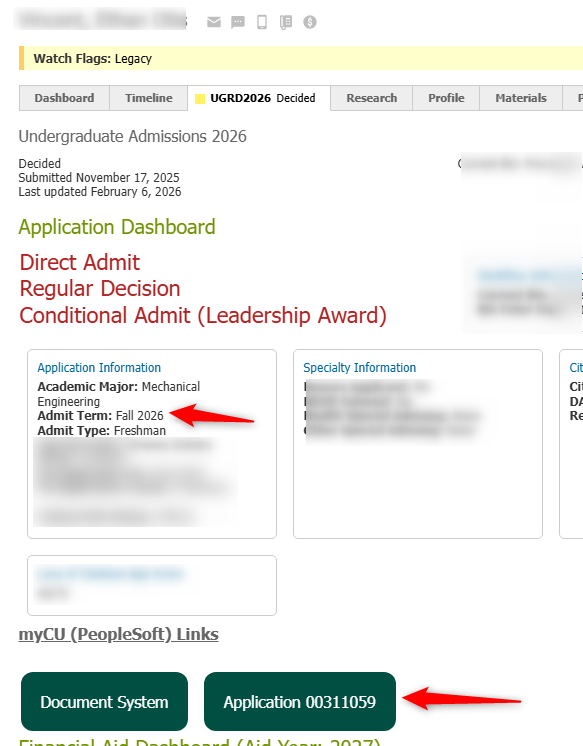
-
Note: If you haven't logged into PeopleSoft for the day, clicking that link will take you to your PeopleSoft Home Page. Once that happens, click the button again, and it will take you directly to the Maintain Application Screen.
-
- Click Search
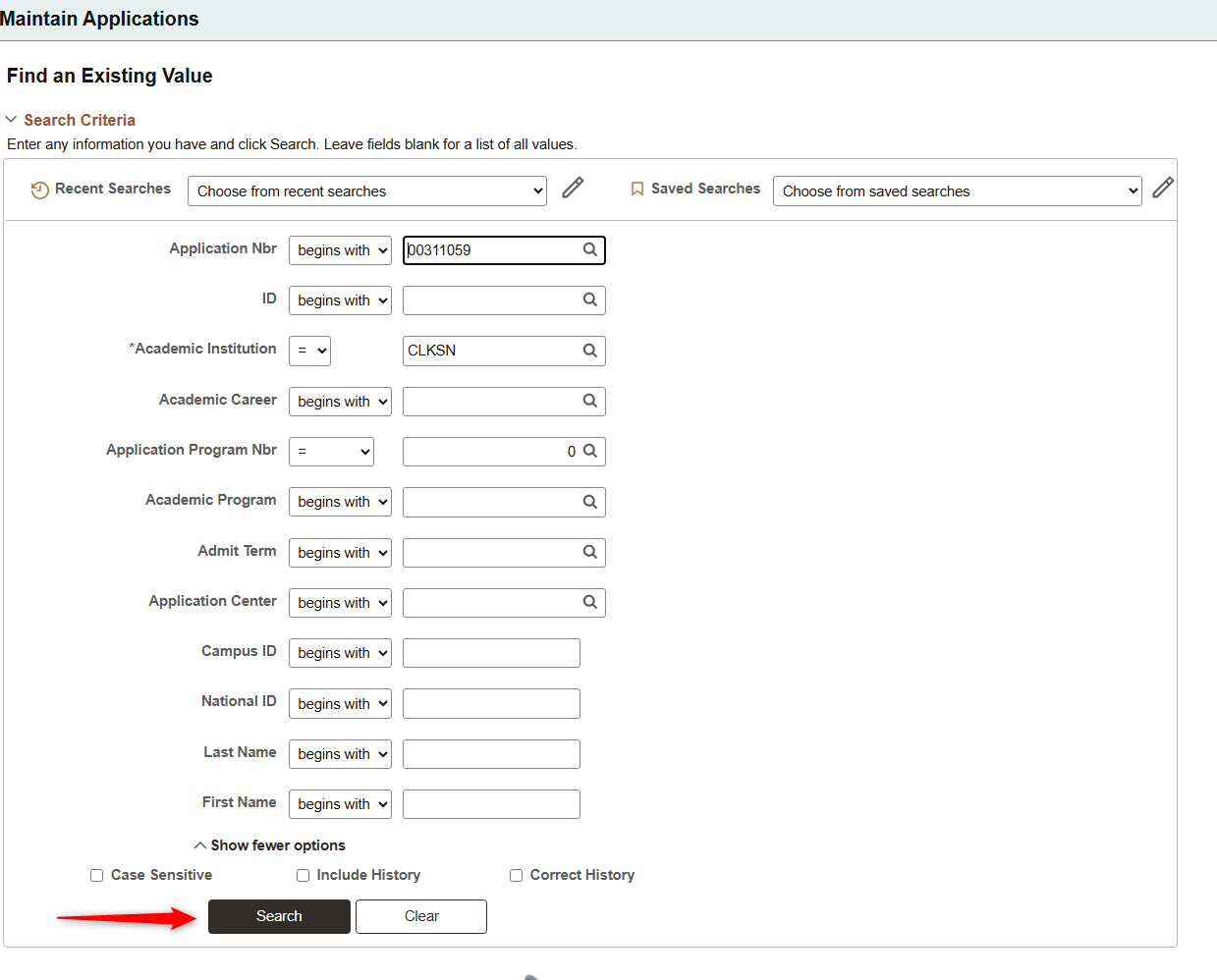
- Follow the steps for each issue below.
Quick Links
-
- Error 100: Admit Type Different
- Error 110: Admit Term Different
- Error 120: Notification Plan Different
- Error 130: Recruiting Center Different
- Error 140: Major Different
- Error 150: Admit Date is before Application Date
Error 100: Admit Type Different
-
- On the PeopleSoft Maintain Applications Screen, go to the Application Data Tab and review the Admit Type field
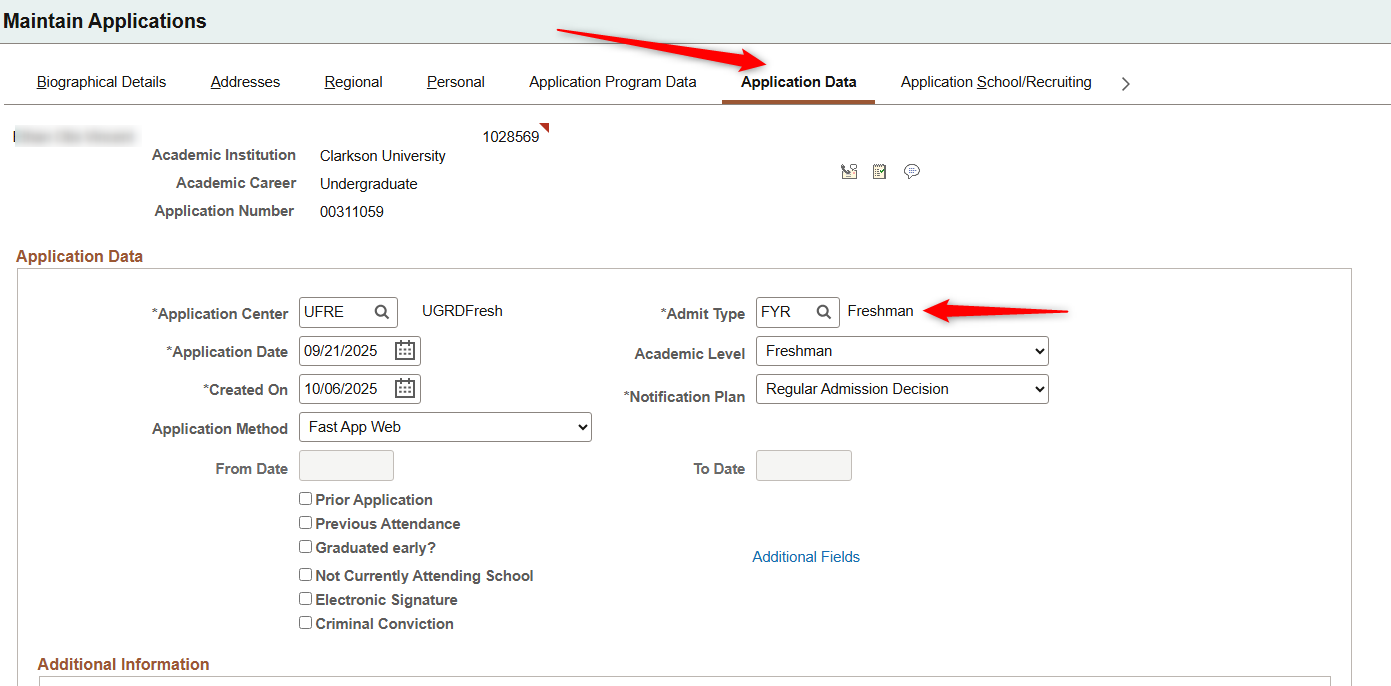
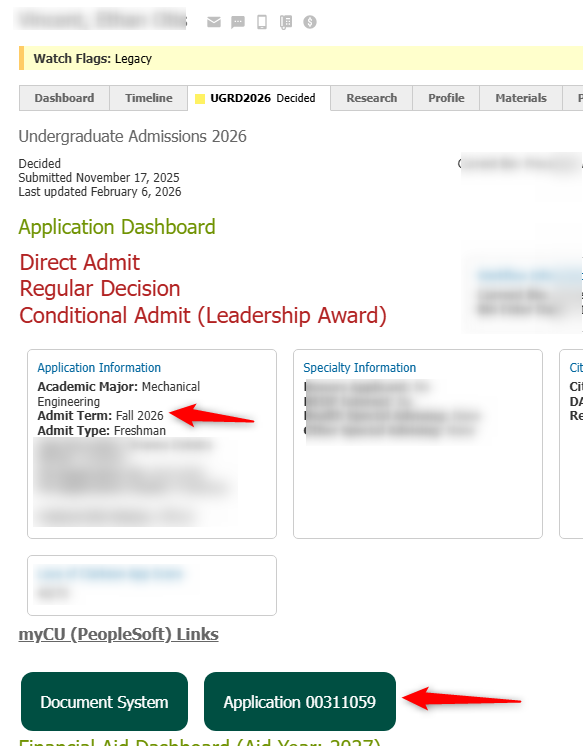
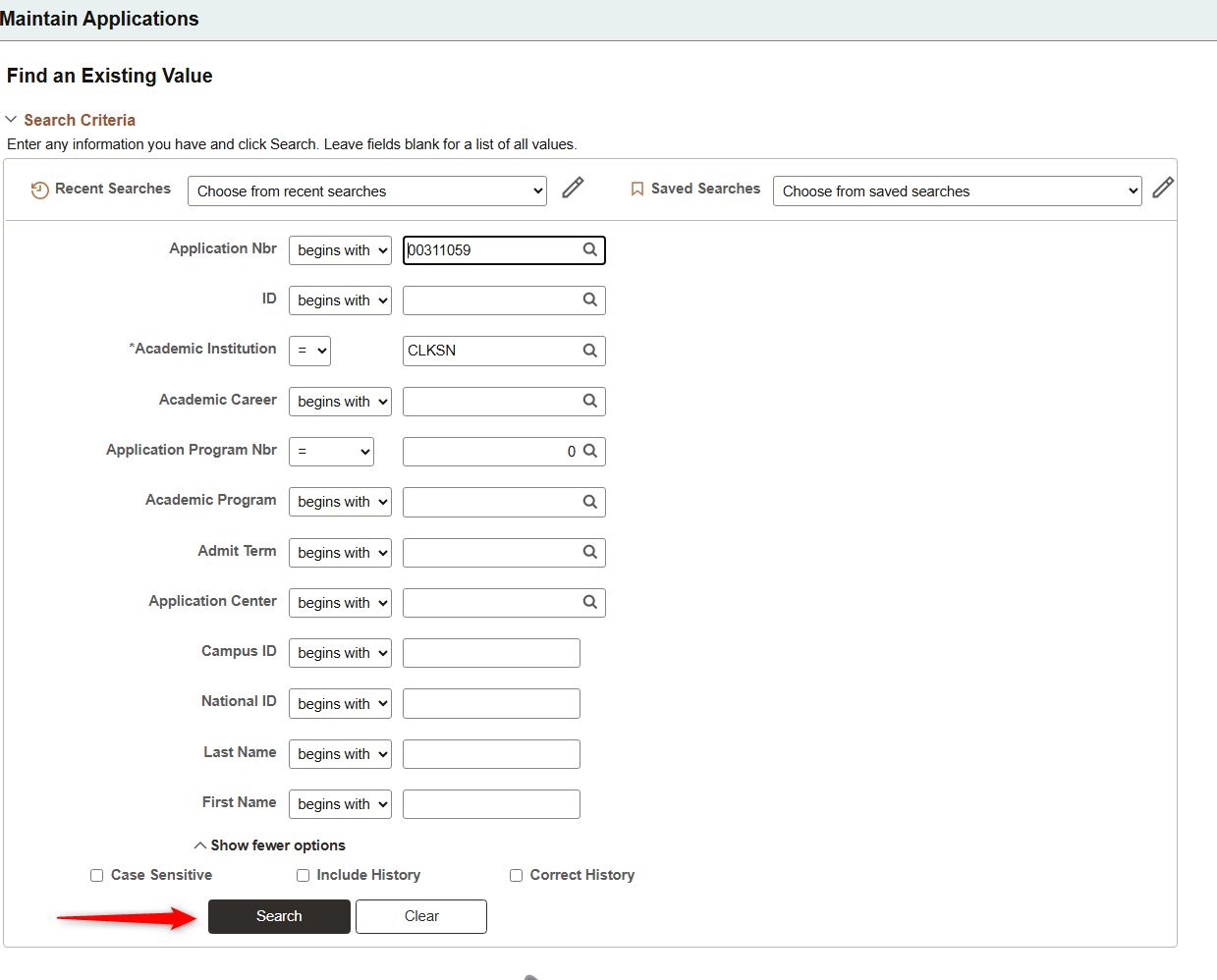
- Compare the value in Slate highlighted above, to the value in PeopleSoft and determine which one needs to be updated.
- If updating Slate
- Click Application CU Data on the right hand navigation of the application
- Scroll down and click the "Edit" button
- Change the Application Admit Type
- Click save
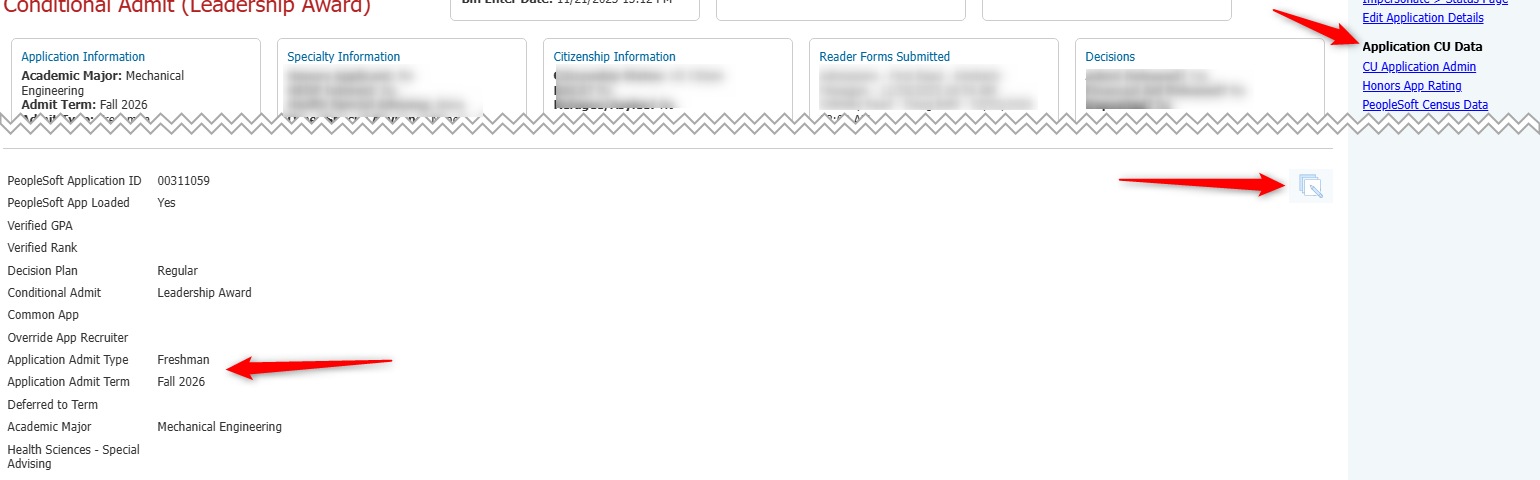
- If updating PeopleSoft, change the Admit Type box from the Maintain Applications -> Application Data screen you navigated to earlier in this step.
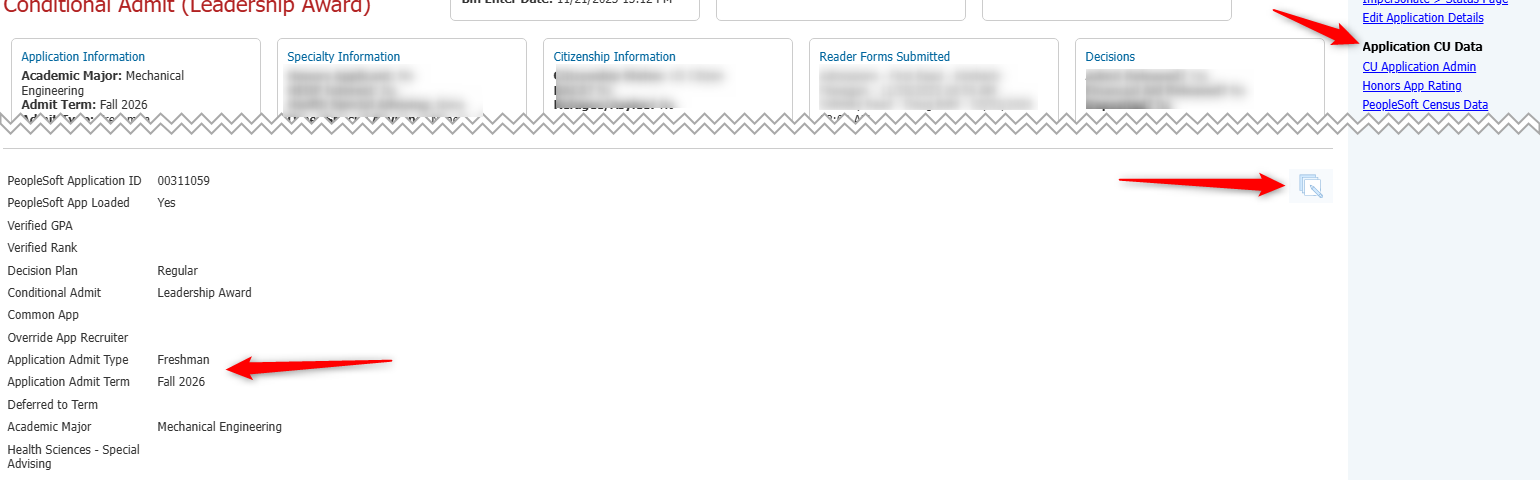
- If updating Slate
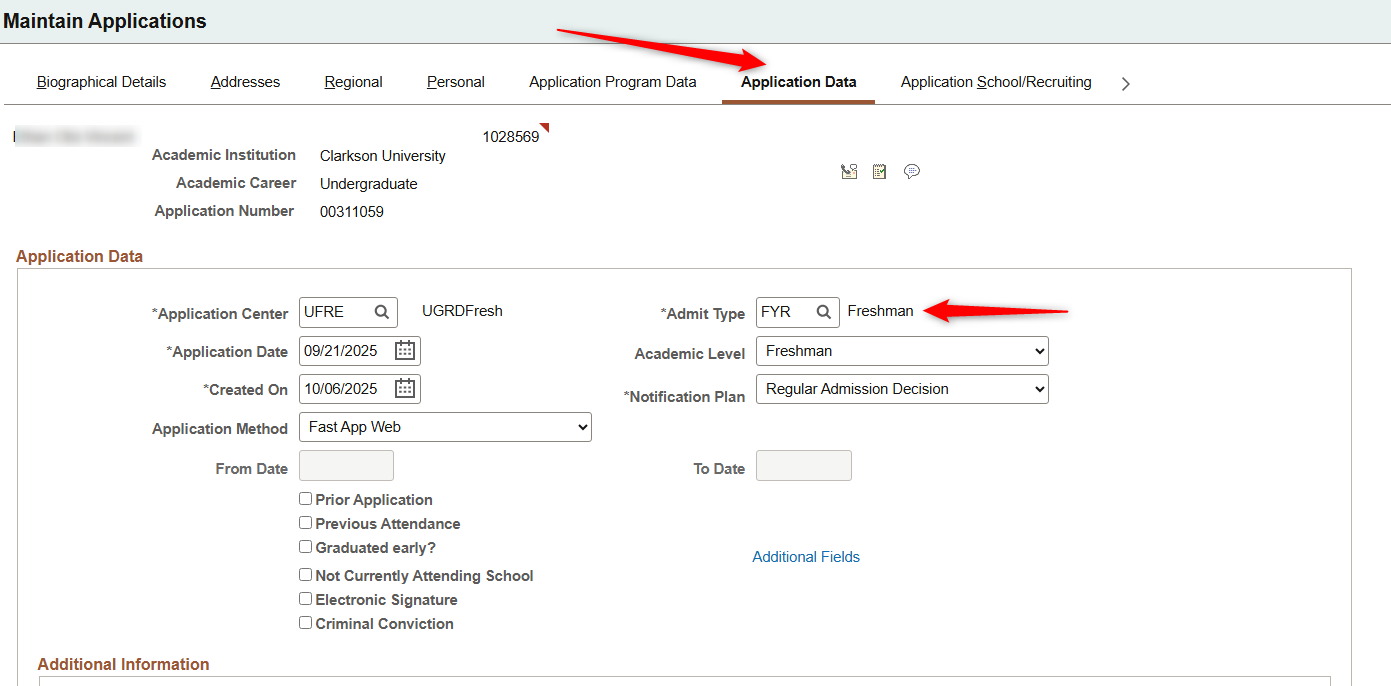
- On the PeopleSoft Maintain Applications Screen, go to the Application Data Tab and review the Admit Type field
Admit Term Different
Major Different
Admit Date is before Application Date
Notification Plan Different
Recruiting Center Different