
Quiz: Grading by Question
When instructors are interested in grading all answers to a specific question (such as an essay question) in a quiz, they may opt to do the following:
Steps
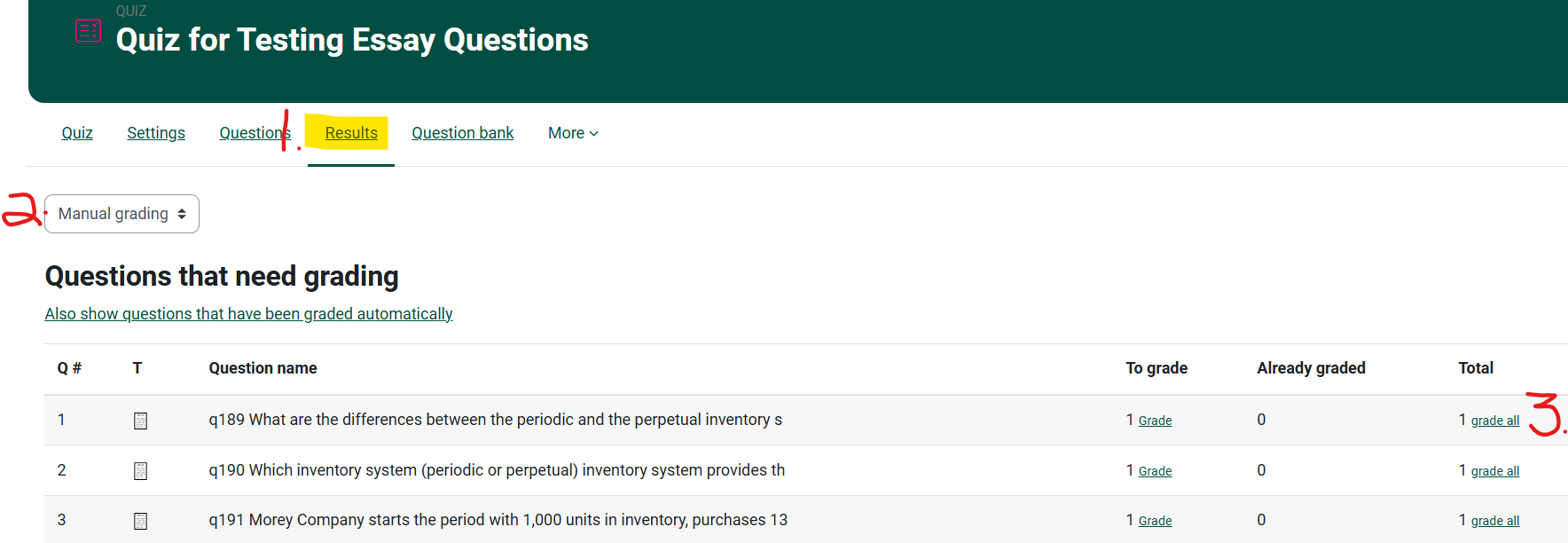
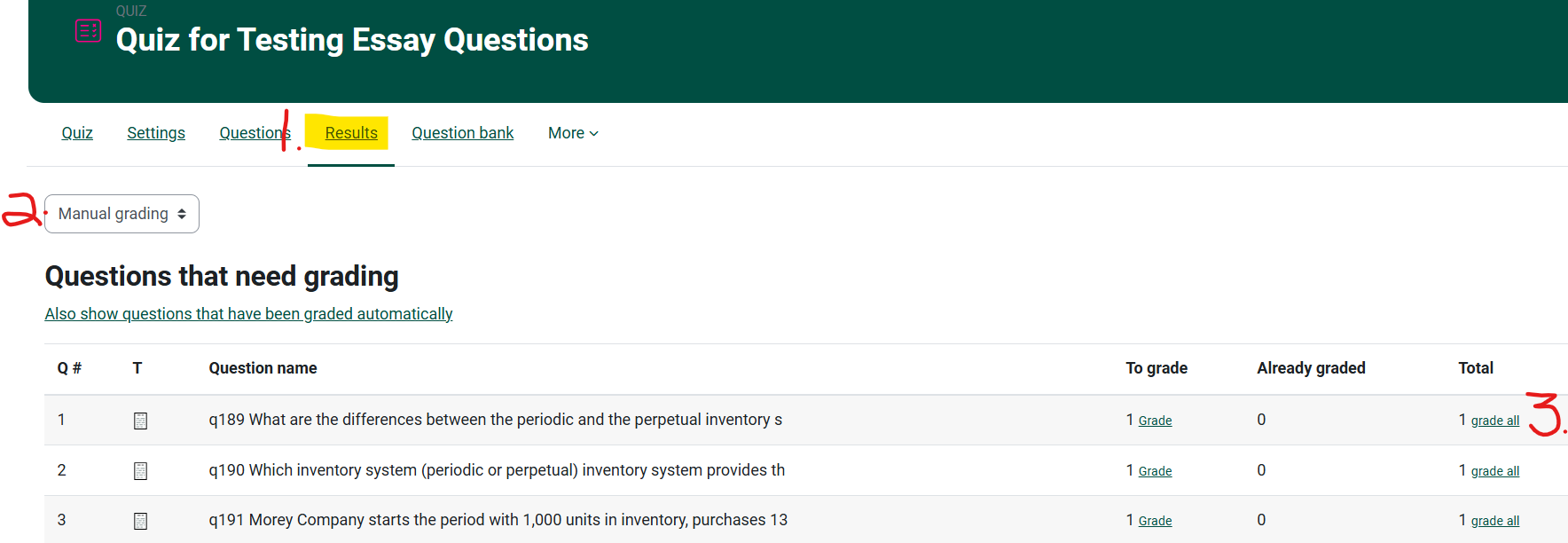
- From your course page, click on the Quiz and choose Results from the top navigation bar for the Quiz.
-
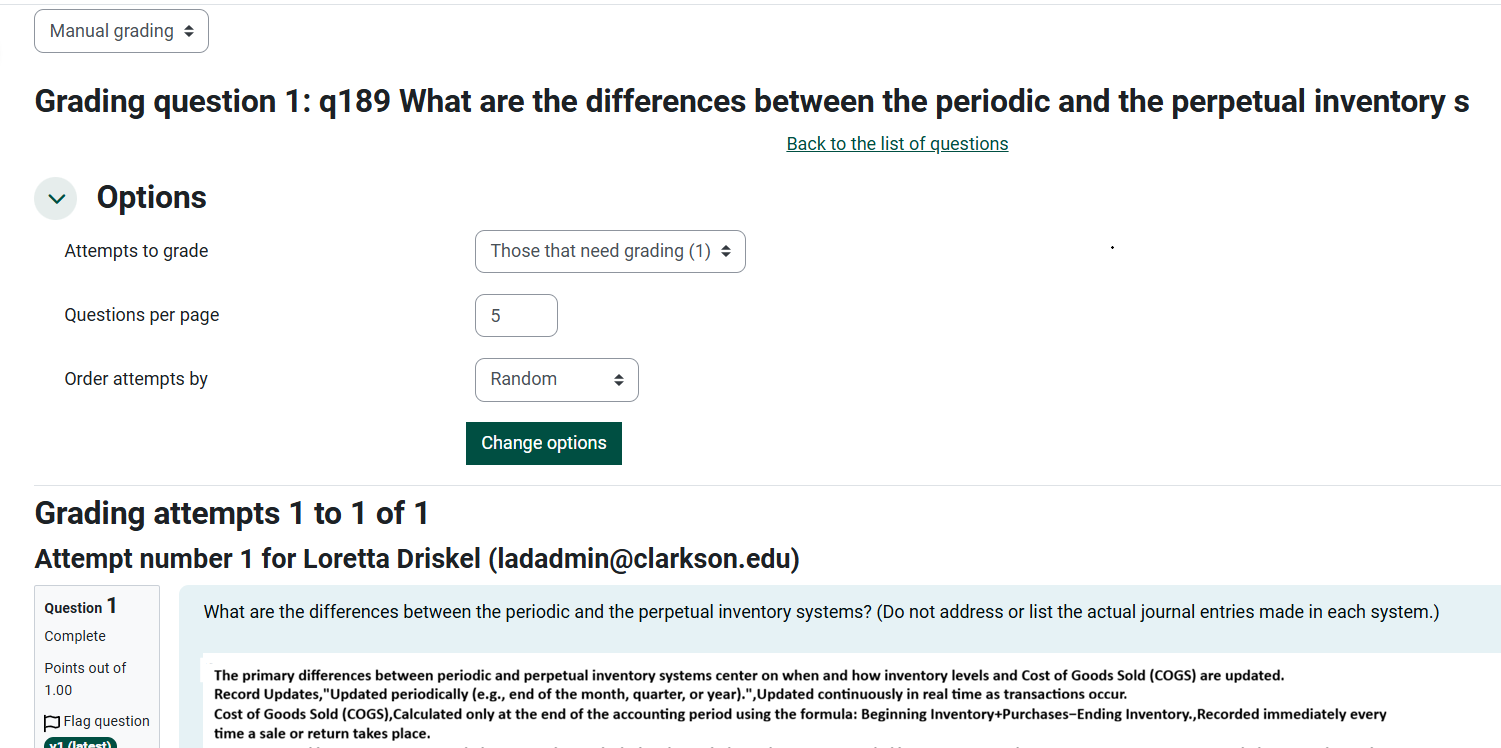
Change Grades to Manual Grading on the drop down menu.
-
Note the number of questions are left to be graded and choose grade all.
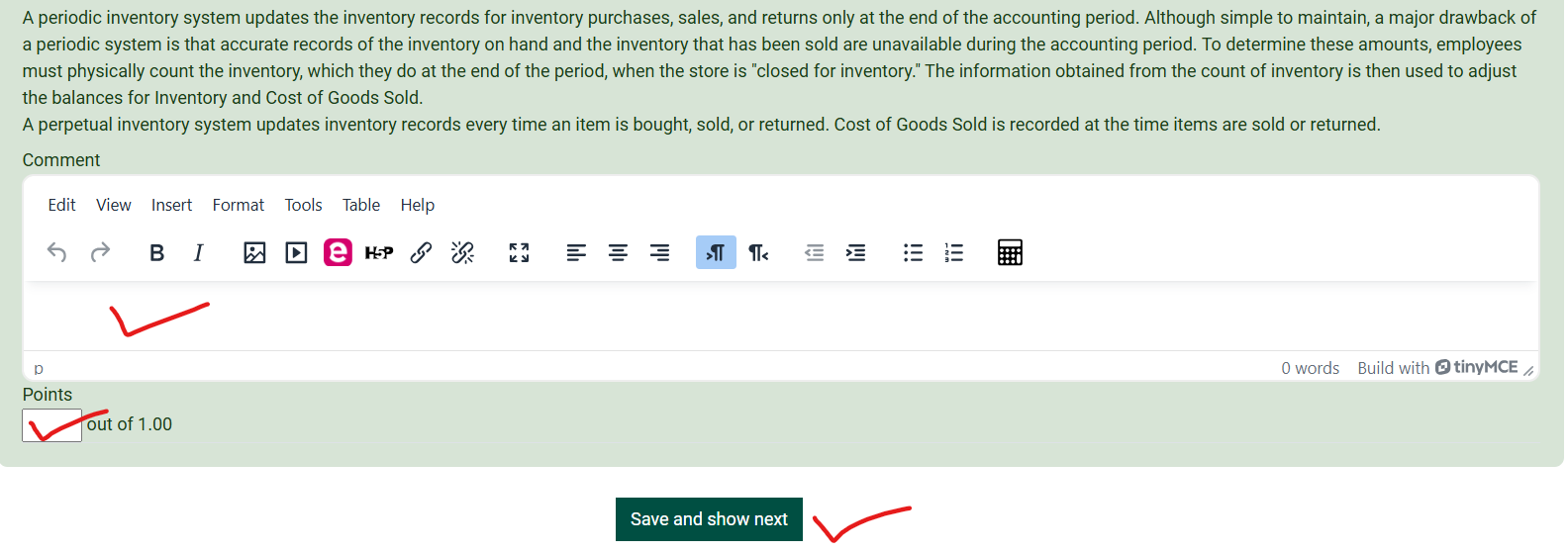
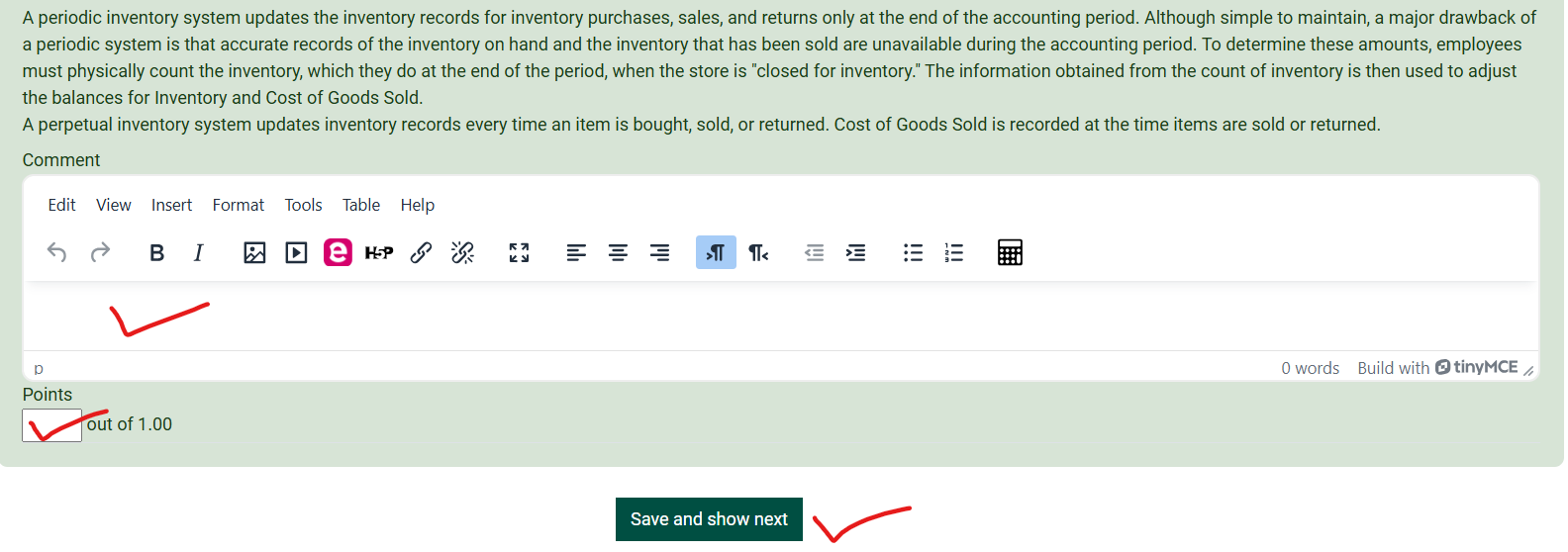
4. Scroll down to provide each student with feedback and a grade.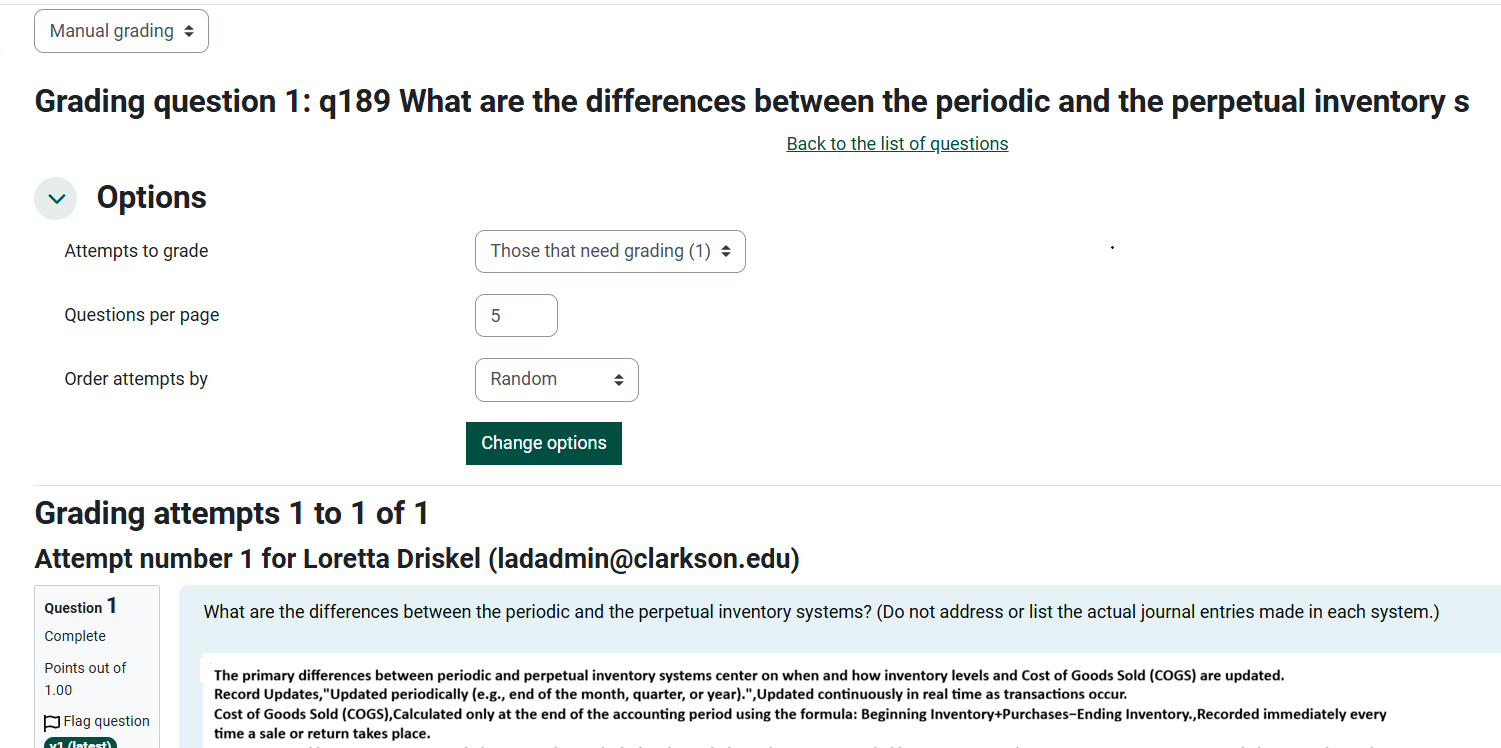
See the Moodle Docs for Quiz Manual Grading.
Seek Further Assistance
For additional assistance please contact, Clarkson OIT Help Desk;
Online: Get Help
Email: helpdesk@clarkson.edu
Call: 315-268-HELP (x4357)