
PointSolutions Account and Moodle/Echo360 Integration - for Teachers
 The PointSolutions LTI integration with Moodle allows instructors to use response devices during to collect student achievement data and export results to Moodle. PointSolutions by Echo360 (formerly Turning Point) is an engagement tool used by some instructors for polling students in class. Note: If teachers have chosen PointSolutions as required materials, the tool will be automatically included and students will have access to the PointSolutions polling app for free.
Steps for Teachers:
Add the PointSolutions LTI tool to your Moodle course:
-
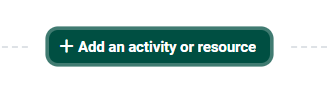
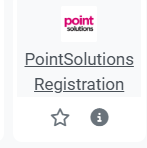
Add a PointSolutions Registration activity to your course.
-
Enter PointSolutions Registration in the activity name field.

-
Click save and return to course.
-
Register an Instructor Account through Moodle by following the steps on this page to initiate your account and connection with Echo.
-
Follow steps for syncing with the Desktop app.

Students Activate your Moodle Course in PointSolutions:
When integration is complete, direct Students to activate their enrollment by clicking on the PointSolutions Registration Activity in your Moodle course and provide them with this link Support for Students.