Echo Cloud: View Content in Echo Library
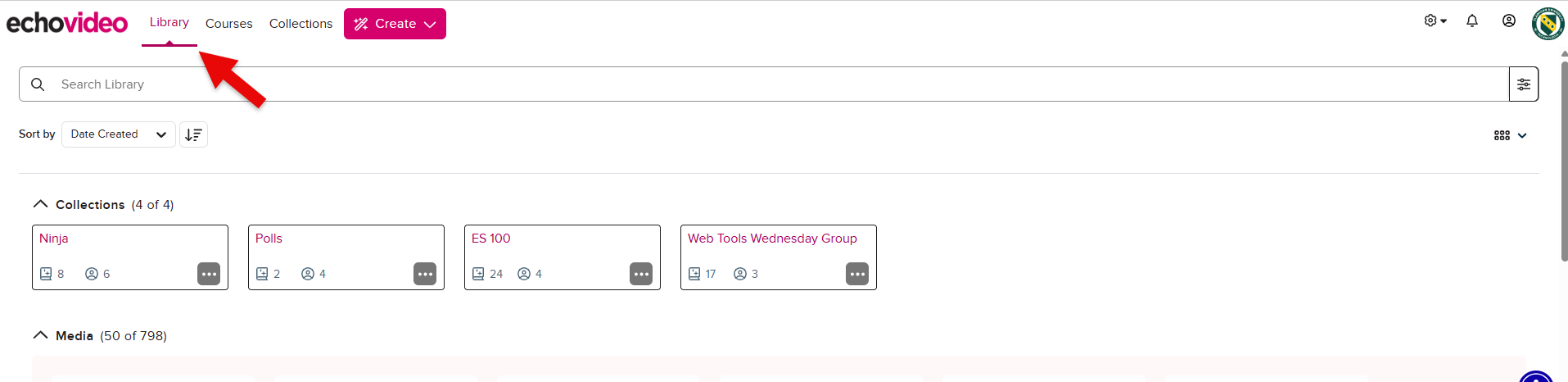
Instructors can view content they have uploaded or recorded in their Echo library. To do so:
- Log into Echo at go.clarkson.edu/echo
- Recordings are categorized
inasCourses, All Content, My Content, Shared with Me.Media. - Filter or Search for desired recording
- by
Ex)DateIf you have uploaded an mp4Created orother media file, go to My Content, select filter and located desired recording.Name.