
Echo Cloud: Add Content from Library to an Echo Course
Instructors can add content they have uploaded to their Echo library to any of their courses. To do so:
-
Log into Echo at go.clarkson.edu/echo
-
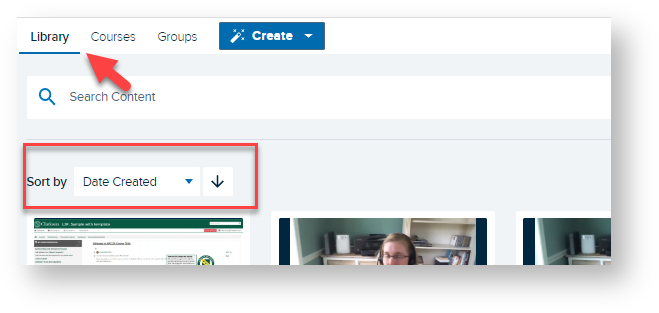
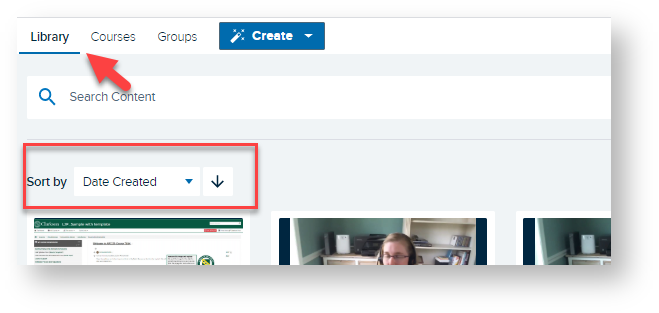
Click Library
-
Sort by or Search for desired recording

-
Click on desired recording
-
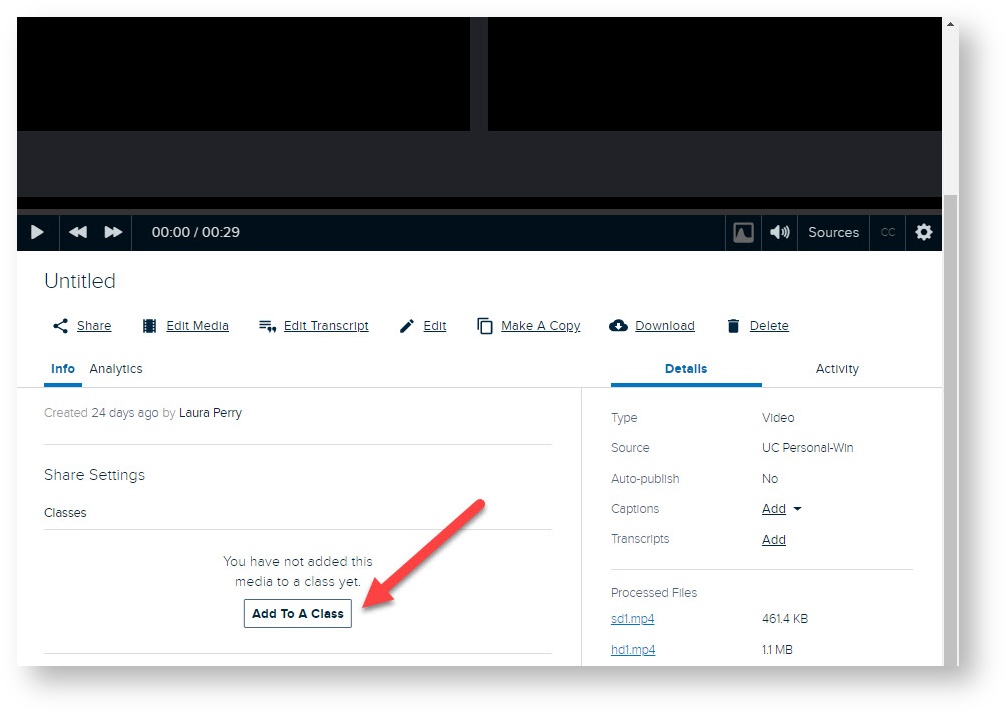
Scroll down until you see Info/Share Settings
-
Click Add to A Class
-
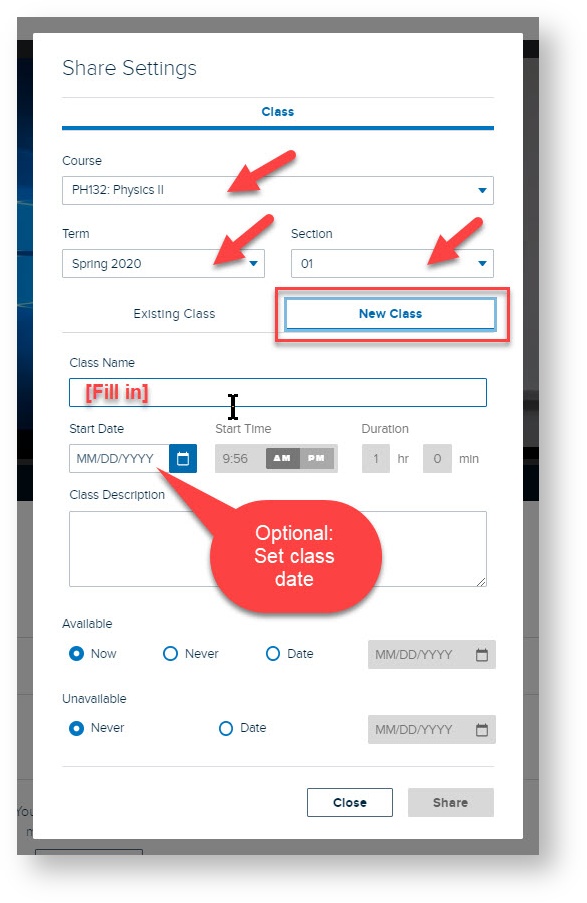
Select Course, Term, Section, New Class and Availability Settings - see image below.
(Instructors should see the desired course in you drop down menu. )


Nowthat your selected recordings will be available inside the desired Echo course.
Read on to link your Echo recordings to your course in Moodle so students can view.