
Configuring eduroam WiFi Using iOS (iPhone/iPad)
In the App Store, download the geteduroam app. You can find a link here.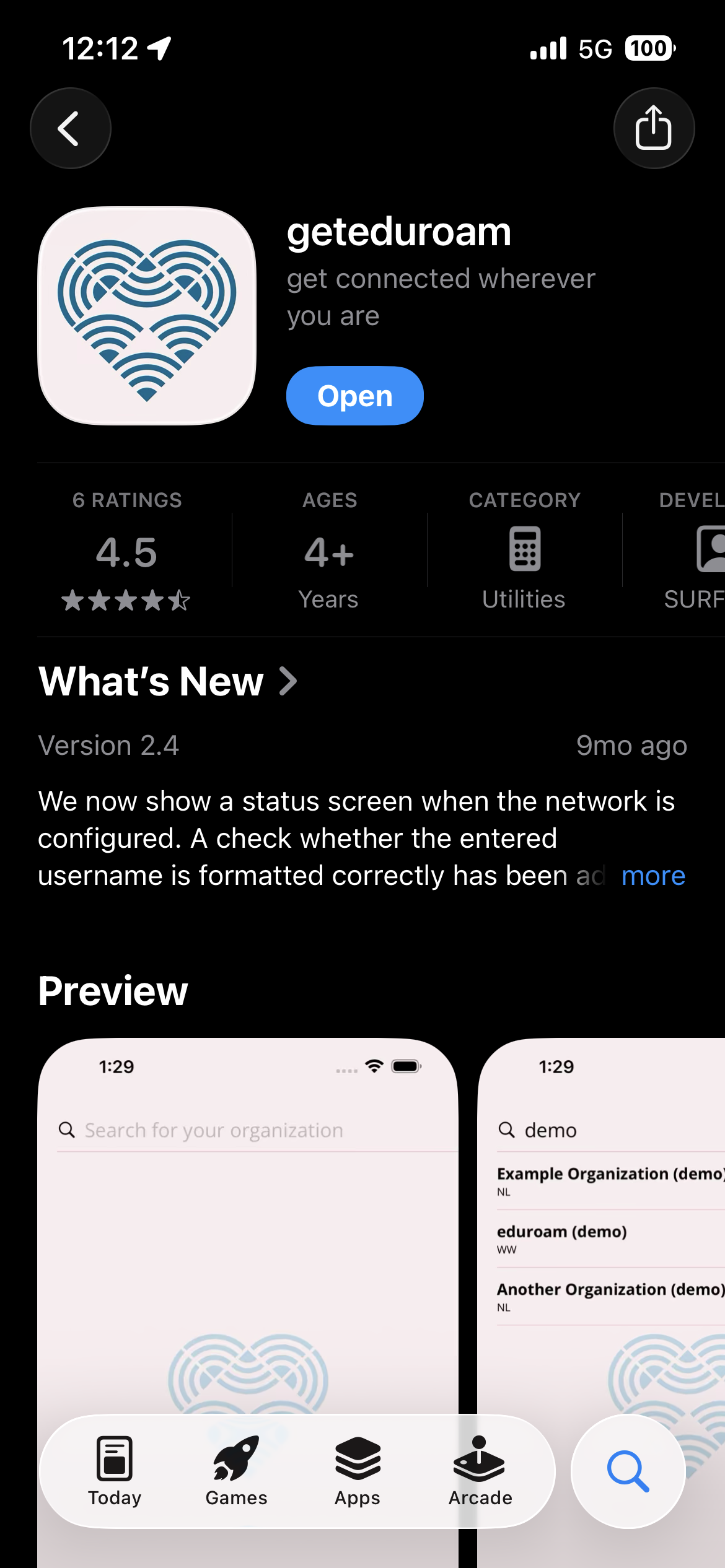
Open Safarithe (do not use a different browser)app and navigate to https://cat.eduroam.org.
Note: iOS requires that you use Safarisearch for thisClarkson process!
UniversityIf you receive any certificate or verification errors, please stop the process and notify the IT HelpDesk.
Tap Click here to download your eduroam® installer .
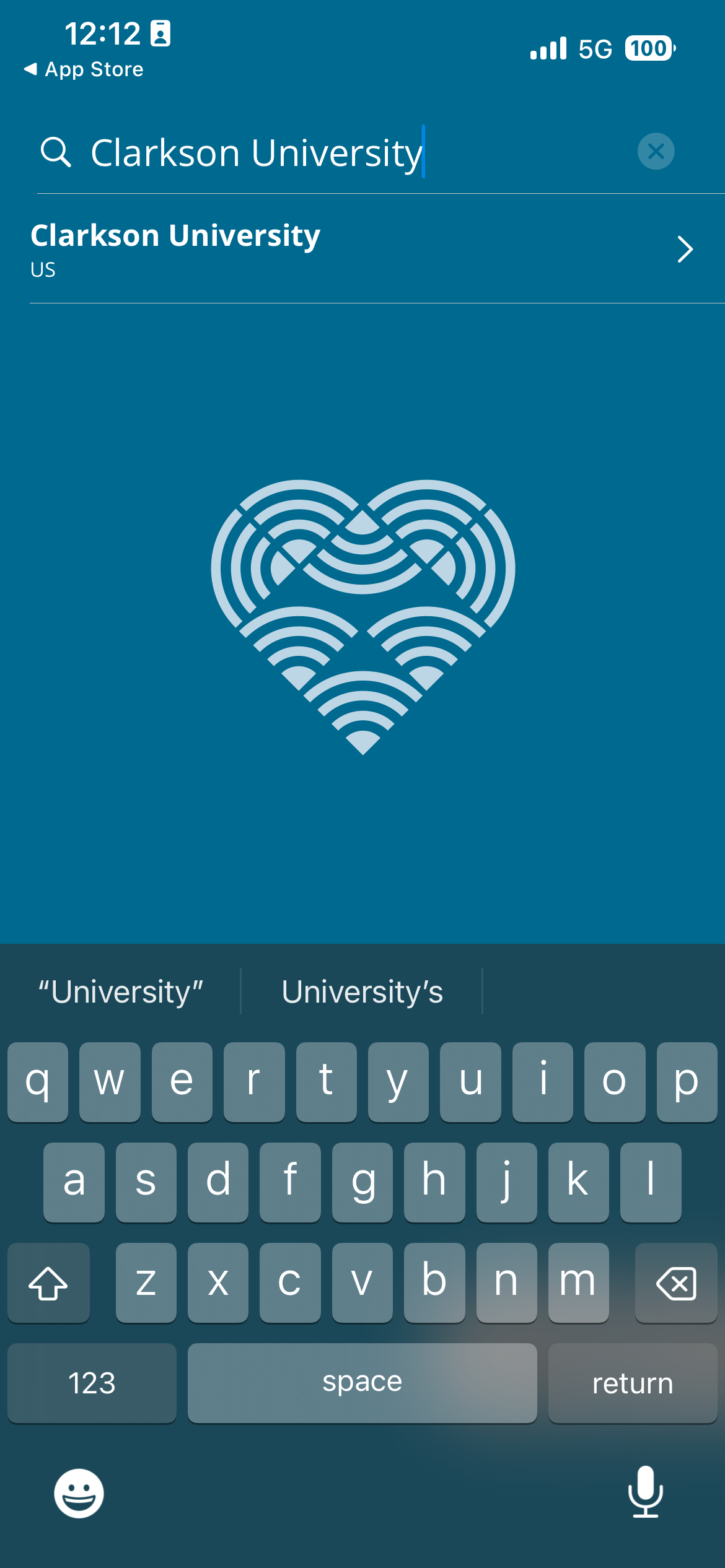
Select Clarkson University, fromenter credentials including the list.@clarkson.edu
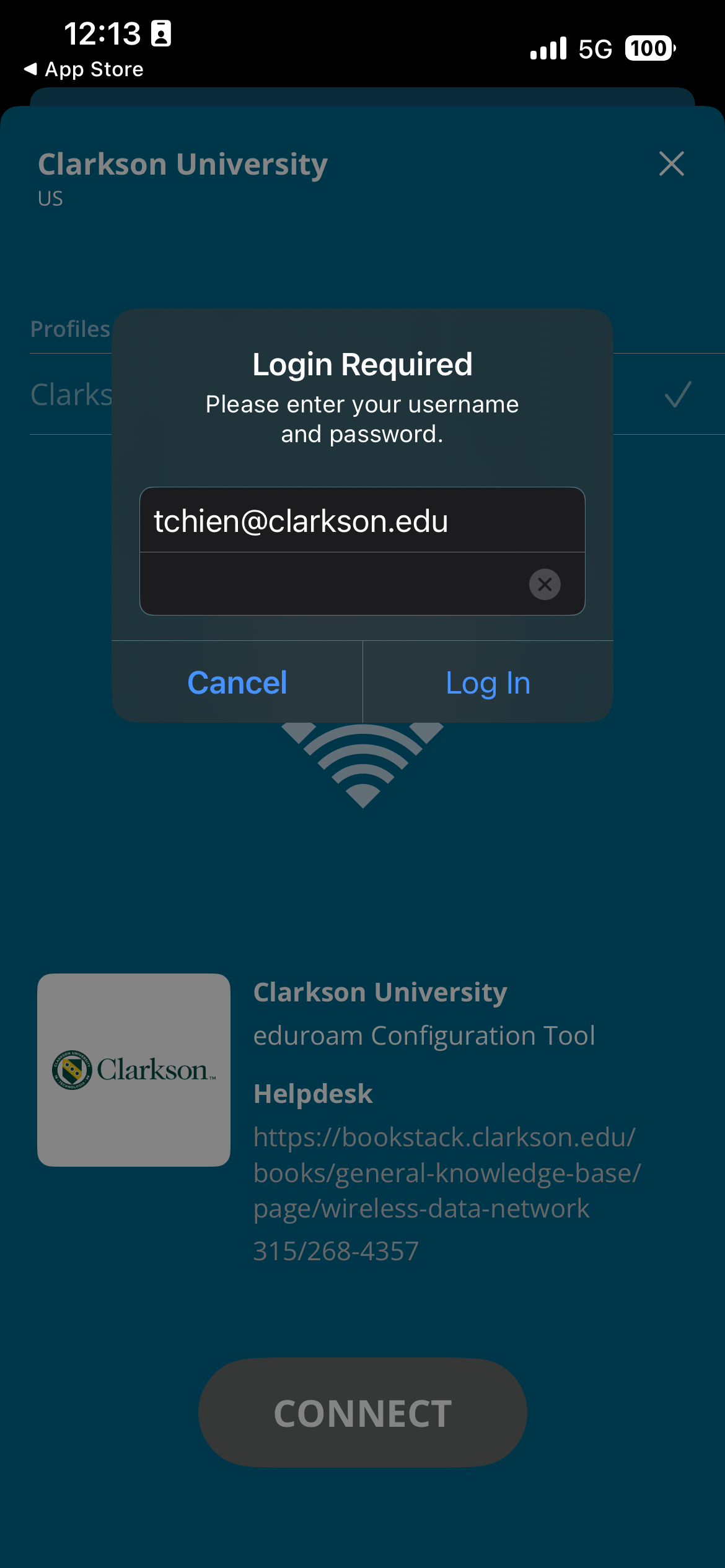
- BeginWARNING: typingEntering "Clarkson"incorrect credentials here may lock out your account due to filtereduroam's ifrapid necessary.attempts to log you in! Please make sure they are correct before hitting Log In!
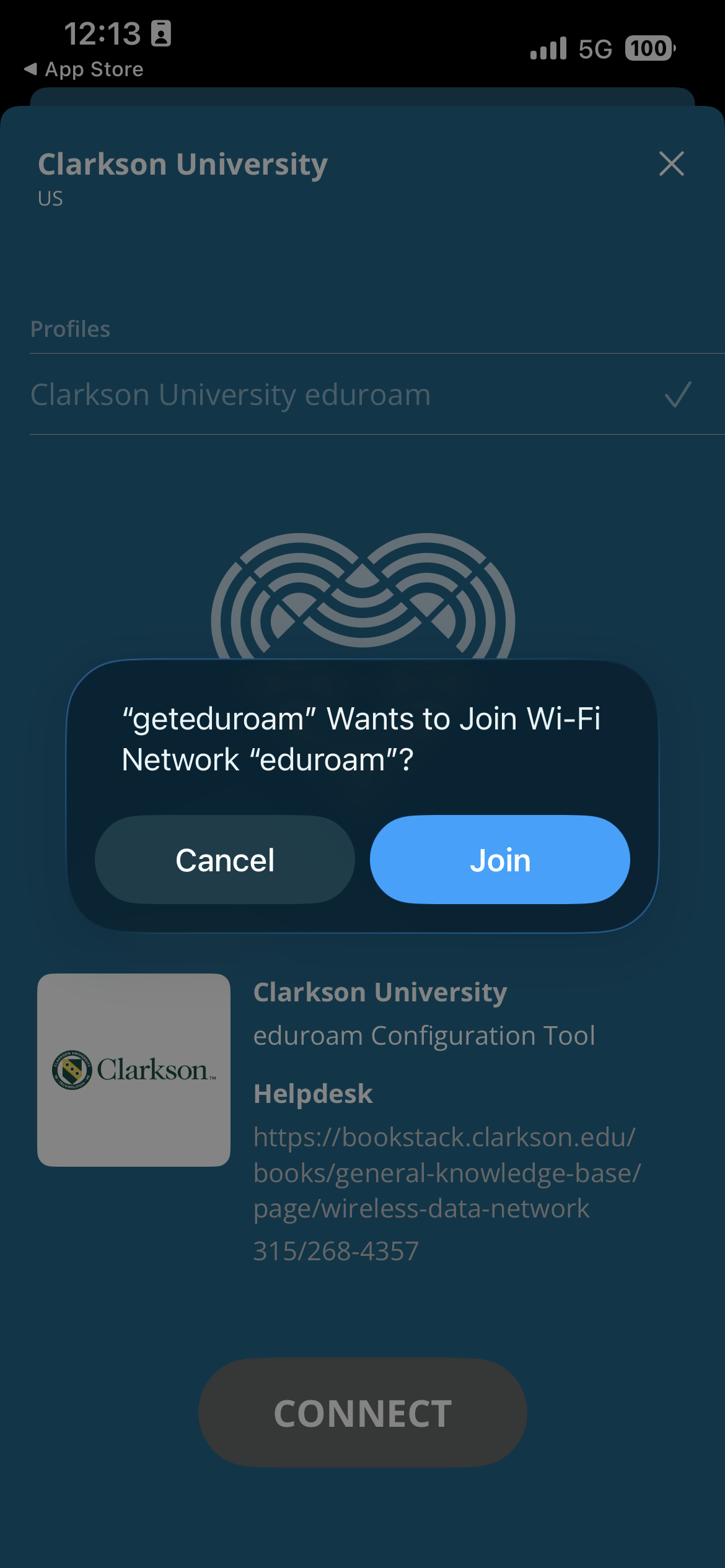
TapAccept Applethe iOSprompts mobileto devices,connect thenyou Allow,to thennetworks Close.**and install profiles
Congratulations,
Open the Settings app ...
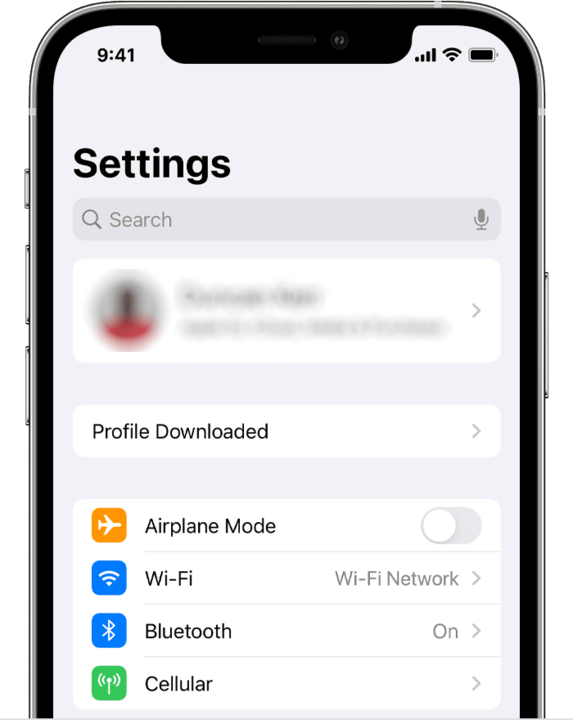
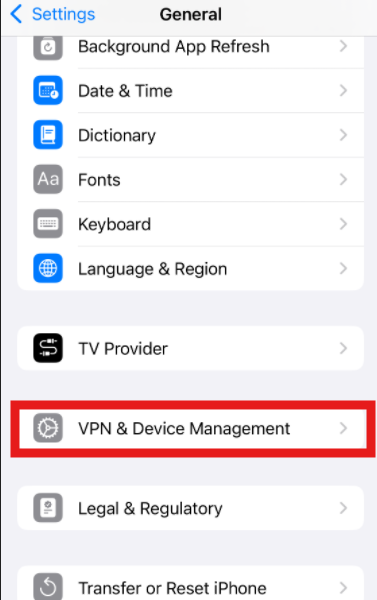
Removing previous eduroam profiles
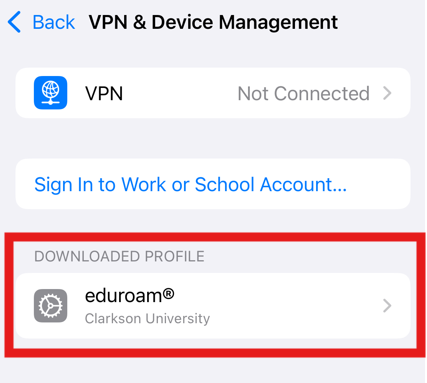
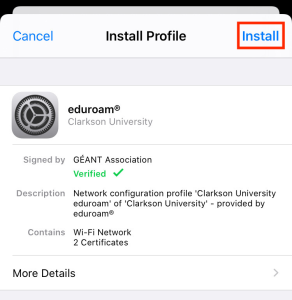
Tap Install.

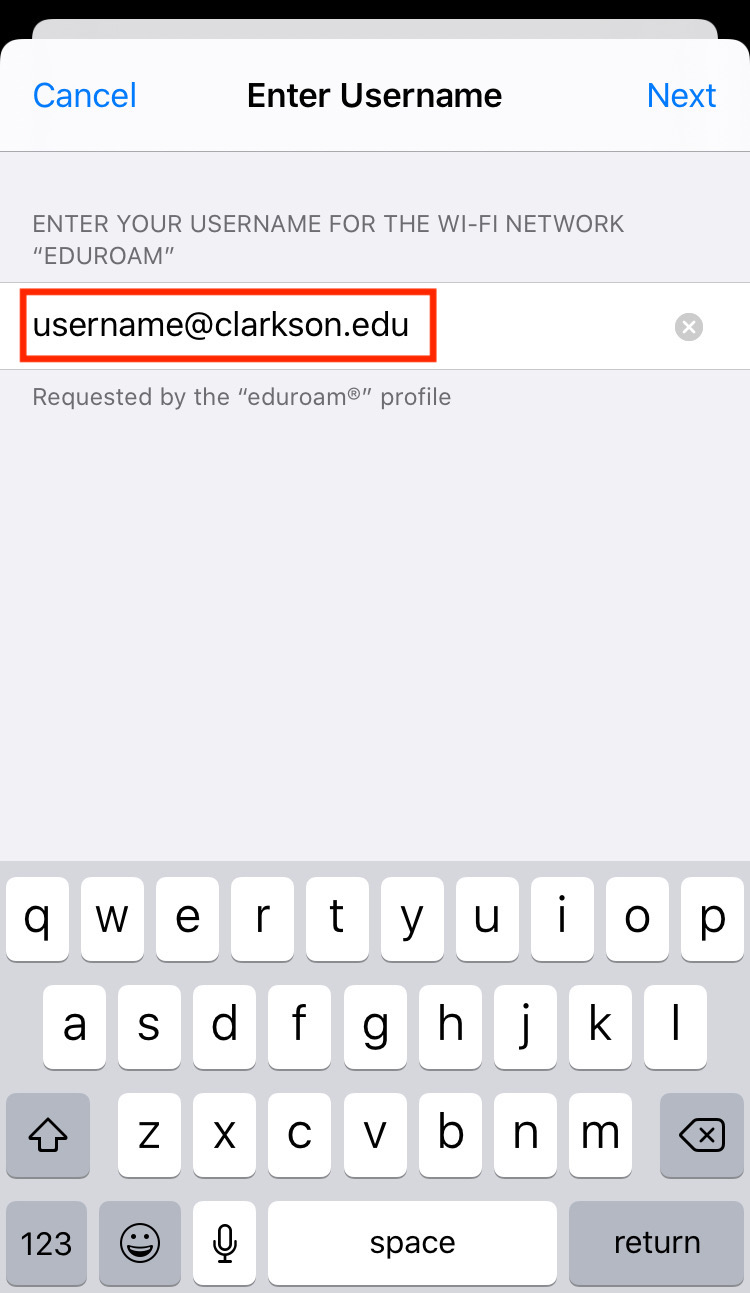
Pro Tip : Be VERY CAREFUL entering your password! An incorrect password here may repeatedly lock your Clarkson accounts until you remove and re-install eduroam with the correct password. Copy-paste from your password manager if you use one.
Enter your Clarkson account password and tap Next.
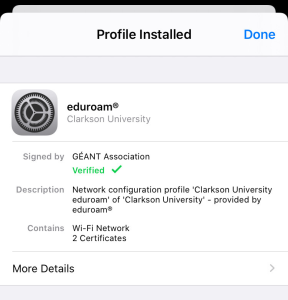
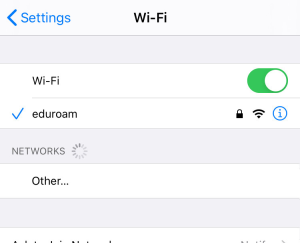
The profile is now installed. Tap Done. Your device should automatically connect to the eduroam network if in range. To verify, navigate to Settings → Wi-Fi.

Guests use public WiFi with ClarksonUniversity
The ClarksonGuest network is available with no authentication for general and guest network access. However performance on this network will be limited, and since it is open, it is NOT considered secure. Only use this network to connect to eduroam CAT, or if your device cannot use eduroam.
